
Introduction
Effective troubleshooting compares intended state with observed state and finds the first broken dependency. It avoids random configuration changes, preserves evidence, and uses the smallest safe test that can separate competing causes.
Troubleshooting Methodology
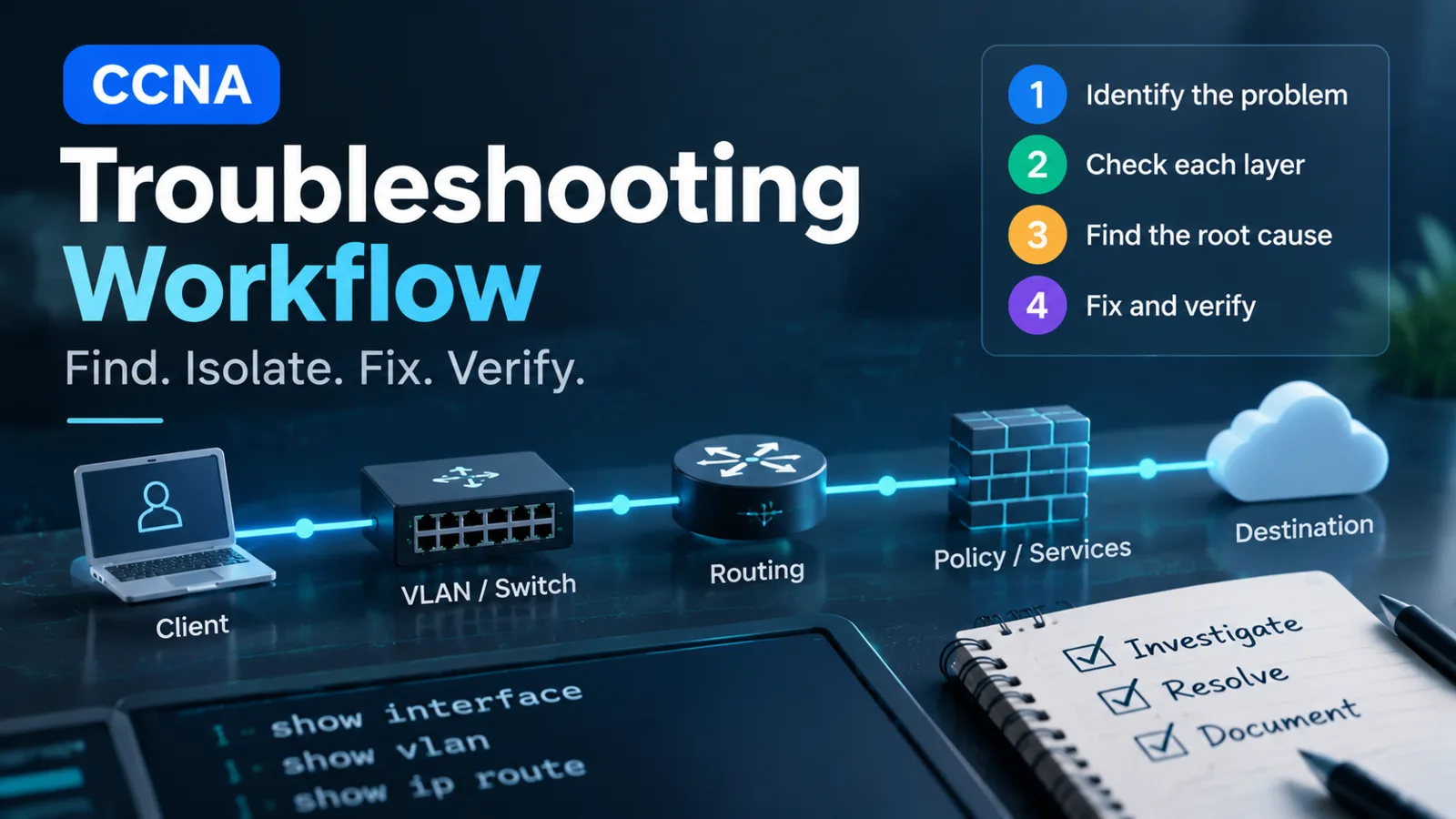
Define the symptom precisely: source, destination, protocol, time, scope, and last known working state. Ask what changed, but do not assume the latest change is the cause. Build a path from client through access port, VLAN, trunk, gateway, route, policy, service, and return path.
Capture current configuration and operational output before modifying anything. For production changes, identify impact, backup, rollback, maintenance authority, and recovery access.
Common Issues
Physical and Interface Faults
Check administrative and operational state, negotiated speed and duplex, errors, discards, transceiver details, and neighbor evidence. Compare counters over an interval. Replace or move one component at a time so the test identifies whether the cable, optic, port, or remote interface owns the fault.
VLAN and Trunk Faults
Verify access VLAN assignment, VLAN existence, trunk operational state, allowed VLANs, native VLAN agreement, EtherChannel state, and spanning-tree forwarding for the relevant VLAN. A trunk that is up can still omit one VLAN.
Routing Faults
Inspect the installed route for the exact destination. Apply longest prefix match, then verify the next hop, adjacency resolution, access policy, and reverse route. For OSPFv2, distinguish interface participation, neighbor state, advertised prefixes, and installed routes.
Service and Policy Faults
Test IP reachability before DNS. Validate DHCP leases and relay, NAT translations, NTP state, SSH transport and authentication, ACL direction and counters, and security bindings. A reachable server can still reject an application session.
Root Cause Considerations
Symptoms often appear above their cause. A DNS timeout may come from a missing default route; an OSPF adjacency failure may come from a VLAN mismatch; a wireless client may associate but fail DHCP; a route may exist while an ACL blocks the transport port. Find the lowest failed dependency that explains all observed evidence.
Resolution Approach
Change one controlling object, predict the expected evidence, apply the approved change, and retest both the original symptom and adjacent services. Confirm stability over time. Record the root cause, corrective action, and prevention, then remove temporary debug or access exceptions.
Troubleshooting Workflow
- Define and reproduce the symptom safely.
- Map the forward and return paths.
- Capture physical and neighbor evidence.
- Verify VLAN, trunk, channel, and spanning-tree state.
- Verify endpoint addressing, gateway, routes, and next hops.
- Verify transport, service, identity, and policy.
- Make the smallest evidence-backed correction.
- Validate restoration and document the result.
Best Practices
Prefer read-only show commands before debugs or configuration changes. Scope debug output carefully because high-volume diagnostics can affect devices. Never paste production credentials, private keys, or sensitive topology data into tickets or AI tools without approved handling.
Certification Relevance
The v1.1 blueprint repeatedly uses “configure and verify” and explicitly includes interface and cable issues. A strong candidate can interpret operational evidence across domains, not merely recall configuration syntax.
Conclusion
Troubleshooting is a sequence of falsifiable checks. Start at the nearest reliable evidence, isolate the first broken dependency, correct its controlling object, and verify the complete service path.