
Study & Preparation
Claude Code Configuration Explained for CCDV-F Certification
About this video
Writing instructions for Claude Code is one thing. Knowing which settings take priority—and what actually prevents an unwanted action—is another. In this video, we break down Claude Code operation, configuration, and governance for CCDV-F certification preparation and real-world development workflows. We’ll examine interactive sessions, headless automation, and approval controls, focusing on how to match the workflow to the level of supervision your task requires. Claude Code supports programmatic execution with structured and streaming output options, making the surrounding automation contract an important part of the design. Topics covered include: Choosing operating modes and defining automation boundaries Understanding managed, command-line, project, and user settings Organizing CLAUDE.md guidance and modular rules Separating persistent memory from active session context Choosing between skills, subagents, plugins, and hooks Applying tool permissions and reviewing changes independently We’ll work through settings precedence to understand why changing a personal preference may not change the effective project configuration. The goal is to identify the controlling settings layer rather than repeatedly editing the wrong file. We’ll also distinguish repository instructions from learned memory. CLAUDE.md captures guidance you provide, while auto memory preserves notes Claude records across sessions; neither should be mistaken for an enforced permission boundary. For your CCDV-F preparation, practice asking three questions in each scenario: Where does this configuration belong? Which control takes precedence? What enforces the restriction? The goal is not to memorize every command. It is to make deliberate decisions about configuration, supervision, and authorization—and build Claude Code workflows your team can review and operate with confidence. #ClaudeCode #CCDVF #Claude
Keep watching
 6:31
6:31Study & Preparation
Claude Certified Developer Foundations CCDV-F Certification Overview
 7:40
7:40Study & Preparation
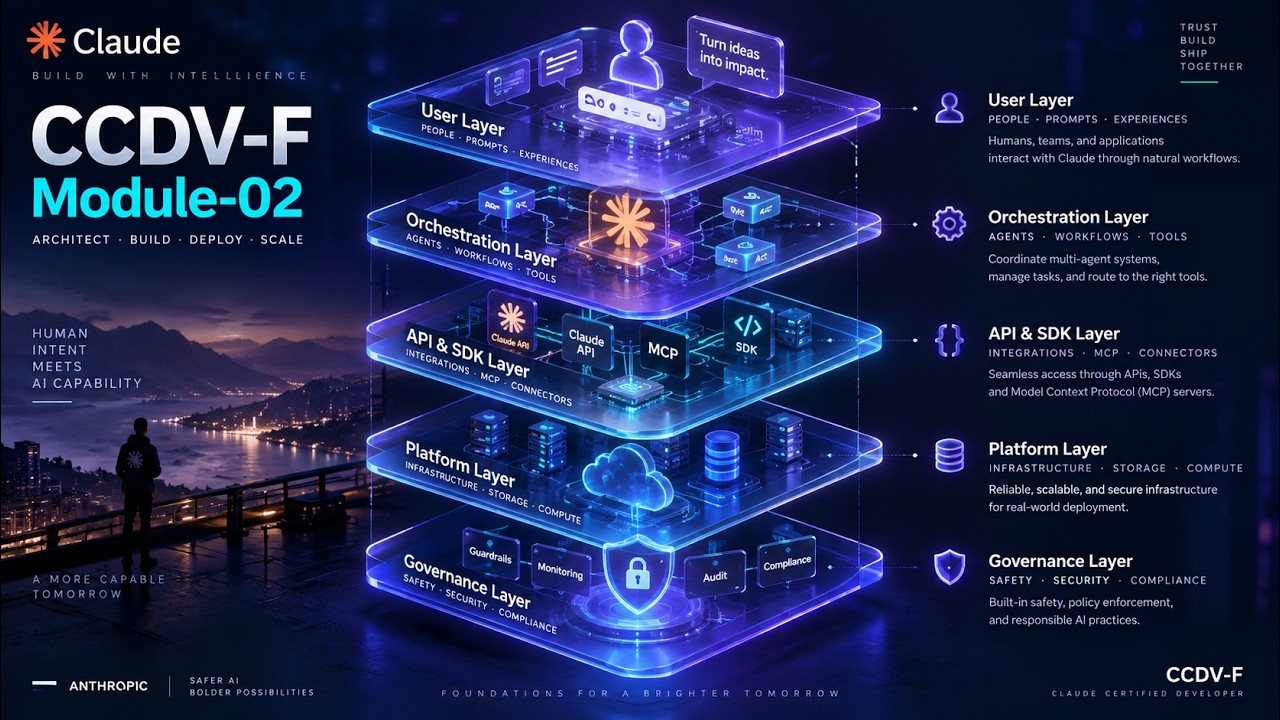
Claude Application Systems Life Cycle Explained | CCDV-F Certification
 7:39
7:39Study & Preparation
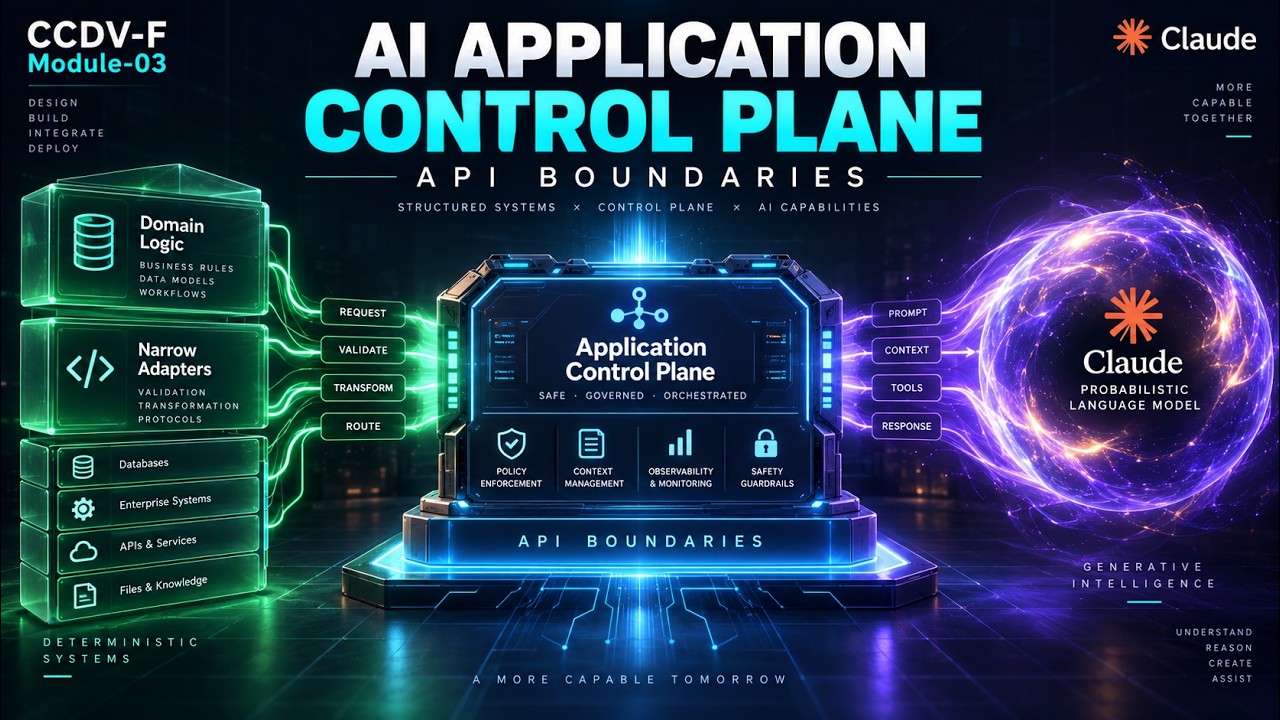
Claude Application Architecture Explained | CCDV-F AI Boundaries
 7:19
7:19Study & Preparation
Claude Messages API Foundations Explained for CCDV-F Exam Preparation
 9:11
9:11Study & Preparation
Claude API Streaming Explained for CCDV-F Certification
 9:47
9:47Study & Preparation