
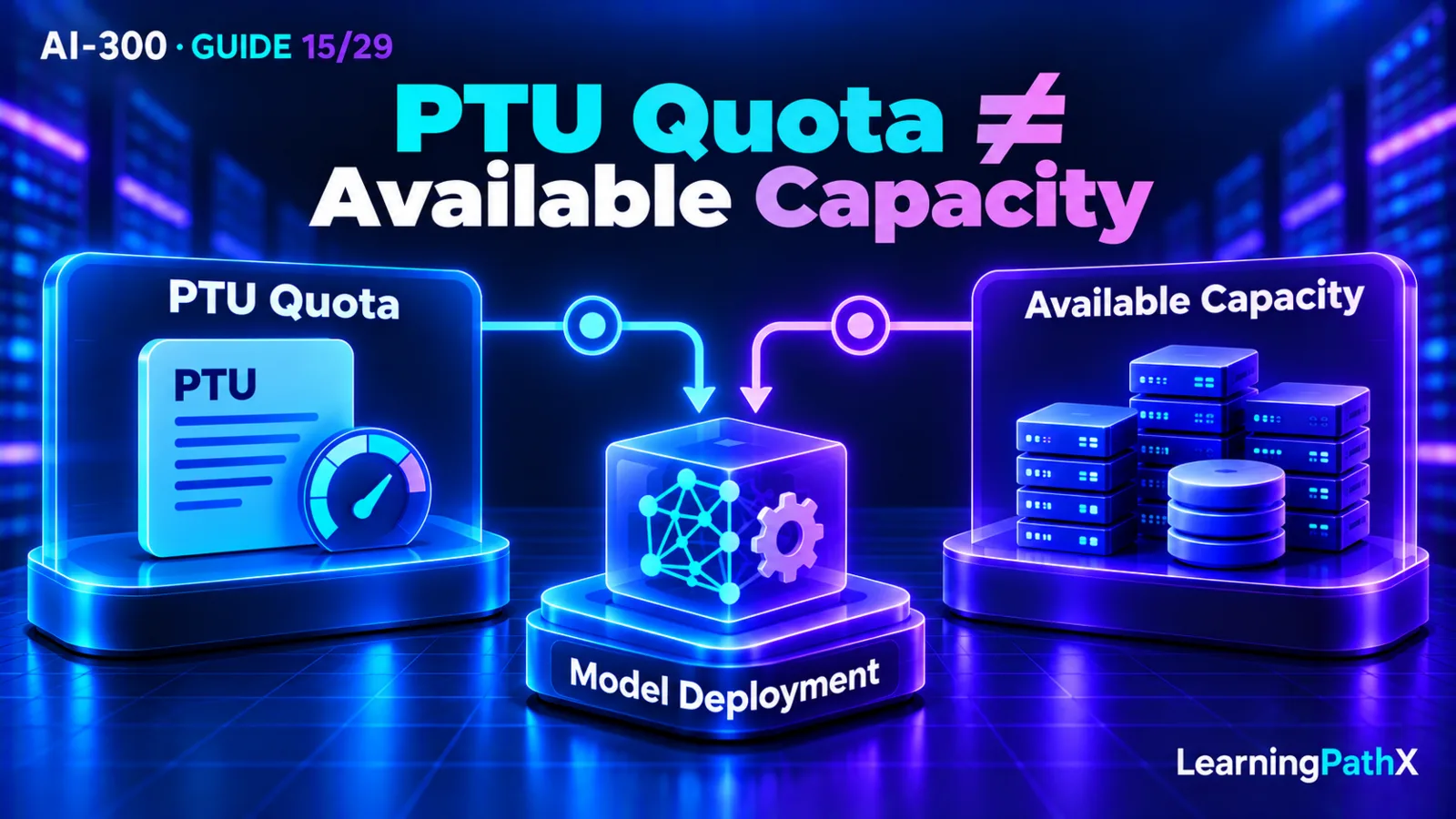
Choose provisioned throughput in Microsoft Foundry when measured, reasonably predictable demand and response-time requirements justify dedicated model-processing capacity. Before committing, establish the workload's request rate, input/output token shape and prompt-cache behavior; estimate provisioned throughput units (PTUs) for the exact model; then verify supported deployment geography, minimum size, quota and available model-version capacity. A generic token-volume estimate or an approved quota increase is not enough to establish a viable deployment.
Separate technical allocation from financial commitment. Quota is permission to deploy up to a scoped limit; capacity is the model-version supply available for allocation; a deployed PTU allocation creates hourly usage charges; and an Azure reservation discounts eligible billing without securing capacity. Confirm the intended deployment can actually be created before buying a matching reservation. This decision framework uses current Microsoft Foundry documentation verified on October 15, 2026, rather than fixed prices or a universal tokens-per-PTU conversion.
What Provisioned Throughput Provides
Provisioned throughput holds dedicated processing capacity for a deployment, including when requests are absent. A PTU is a capacity unit, but the throughput it represents depends on the model and workload. It is not a model-independent promise of a fixed number of tokens per minute.
Foundry's deployment overview places provisioned throughput within its serverless application programming interface (API) deployment option. That category name does not mean provisioned capacity is billed only when tokens are generated. It is also distinct from Foundry managed compute, which is a separate public-preview deployment option and is not recommended for production in the verified overview.
The value to assess is whether a dedicated allocation fits the application's sustained load and performance needs at an acceptable cost. It does not remove the need for quality evaluation, realistic load measurement or application-level handling of overload and failures. Sizing should follow the actual workload rather than a preference for a particular purchasing model.
When Provisioned Throughput Is a Suitable Choice
Microsoft identifies predictable traffic, latency-sensitive interaction and substantial production volume as relevant characteristics. Standard consumption-based deployments remain useful for development, lower volume and traffic that is difficult to size in advance. Bulk work without an interactive deadline may instead fit batch processing. Choose the workload category before calculating a dedicated allocation.
Use the following recommended decision sequence:
- Define the experience the application must provide, including response-time expectations, peak behavior and acceptable handling of excess demand.
- Gather representative workload measurements and evaluate whether a sustained dedicated allocation is justified.
- Estimate the required PTUs for the selected model and request shape, respecting its current minimum and supported sizes.
- Check geography, quota and actual capacity for the intended deployment configuration.
- Establish the deployment and benchmark it under controlled conditions, recognizing that deployment itself starts usage billing.
- Consider a reservation only after confirming the intended allocation and matching its billing coverage to expected use.
This is a planning recommendation, not an instruction to purchase a deployment or reservation without the organization's normal authorization. The decision should be reviewable before an action creates charges.
Core Sizing Inputs: Measure the Request Shape
Rate, input tokens and output tokens
The provisioned-throughput overview identifies expected requests per minute, average prompt tokens and average response tokens as sizing inputs. It also distinguishes the processing cost of output tokens from input tokens using model-specific ratios. The same total token count can therefore describe workloads with different capacity requirements.
For an original illustration, compare a document assistant that reads long context and returns short decisions with a drafting assistant that receives brief instructions and generates long responses. Even if their combined token volumes look similar, treating them as one interchangeable token stream hides an important difference. Size each relevant request shape rather than copying a capacity estimate from another application.
Recommended workload collection should preserve more than a monthly total. Record the request mix, busy periods, typical and long requests, response-length expectations and simultaneous demand. Keep the measurement window and application version with the estimate. Averages are useful inputs, but inspect variation before concluding that an allocation can support the desired peak experience.
Prompt-cache behavior
The verified PTU overview states that cached input tokens do not consume PTU capacity. Its sizing model therefore includes the fraction of input tokens served from the prompt cache. A cache assumption is part of the capacity estimate, not an incidental optimization to mention after purchase.
As a recommendation, measure how much reusable prefix content actually produces cache hits in representative operation. Do not assume that all repeated business topics imply reusable token prefixes. Benchmark both the expected cache behavior and a plausible lower-cache condition so the team understands the consequence if its input mix changes.
For example, the document assistant's estimate could depend on repeated shared instructions. A revised prompt or a larger share of unique documents may change the expected cache benefit. Record the assumption and reassess sizing when the relevant workload changes. This example makes no claim about an observed cache hit rate or an automatic caching guarantee.
Use current per-model parameters
Microsoft documents a calculation that normalizes input/output demand using the model's output-to-input ratio and cache rate, then relates it to model-specific input throughput per PTU. The Foundry portal capacity calculator provides a guided estimate. Use its current model parameters and supported deployment sizing rather than inventing a constant conversion.
Keep the estimator inputs with the result: model and version, deployment type, location, request rate, input/output assumptions, cache assumption and the time of the check. Treat the result as a hypothesis for a controlled benchmark. Verify the application's measured behavior at that allocation before relying on it as a production capacity plan.
Quota, Capacity, Deployment and Reservation Are Different Checks
| Concept | What it establishes | What it does not establish |
|---|---|---|
| PTU quota | A policy limit per subscription, region and deployment type | A guarantee that the selected model version has deployable supply |
| Available capacity | PTUs available for the model version at deployment time | A permanent entitlement created by an earlier availability check |
| Deployed allocation | Capacity held for the deployment's lifetime, with its usage meter | Suitable application performance without workload verification |
| Azure reservation | A discount on eligible PTU usage under its coverage | A capacity allocation or a model deployment |
Quota pools for Global Provisioned, Data Zone Provisioned and Regional Provisioned are separate. A quota balance in one region does not transfer to another. Quota itself has no usage cost, so approved quota and billed deployment must be tracked as different events.
Actual capacity is model-version-specific and can change. Check the Foundry portal deployment experience or the documented model-capacities API for the intended configuration. A check is evidence about current availability, not a guarantee that another deployment action later will succeed. Record when it was performed and reassess if the action is delayed.
Deleting or reducing a deployment releases capacity; the same supply may be unavailable when the team tries to restore it. Avoid designing routine traffic-based resizing around the assumption that capacity can always be reacquired. A cost decision that gives up supply should account for the service consequence as well as the immediate meter change.
Geography, Availability and Minimum Sizes
Global, Data Zone and Regional provisioned deployment types differ in their inference-processing boundaries. Select the permitted processing scope first, then confirm that the model/version and intended type are available in the relevant location. Do not treat a quota's region as a complete description of where global inference processing can occur.
Minimum PTU counts vary by model. A calculated small workload does not override a deployment's minimum supported allocation. Likewise, support for a model in one deployment category or location does not establish every other combination. Verify the exact combination rather than extrapolating from the model-family name.
If capacity is insufficient, reassess the options within the application's constraints. A smaller allocation must still satisfy the supported size and workload requirement; another location must still satisfy processing policy and availability. Waiting or requesting additional capacity may be appropriate, but neither is evidence that supply already exists. Keep the unmet condition visible in the decision record.
Hourly Billing and Reservation Coverage
Provisioned deployments are billed by deployed PTUs per hour, independently of token consumption. The deployment's meter begins on creation and ends on deletion. An idle allocation therefore still creates usage charges. Temporary benchmarking should have an owner, a bounded plan and an explicit cleanup decision before creation.
Azure reservations apply a financial discount to eligible PTU billing rather than creating the deployment. Their deployment-type coverage and scope must match the intended usage. Microsoft recommends creating deployments to establish capacity before purchasing a reservation. Buying the discount first does not resolve a later capacity failure.
Review reservation coverage and deployment utilization separately. A reservation benefit being applied says something about billing coverage; it does not show that the application is making good use of its serving capacity. Conversely, a busy deployment does not prove its usage is covered by the intended discount. Compare actual charges and reservation utilization using the current billing tools and terms.
Deleting a deployment and managing a reservation are independent actions. Do not infer from deployment deletion that a financial commitment has also ended. Before committing, document the applicable term, coverage, expected usage and current change/cancellation conditions; this article does not assume a refund or cancellation entitlement.
A Reviewable Capacity Decision
For the document-assistant example, a useful recommendation would name the exact model/version and permitted processing scope, attach the representative request-shape measurements, preserve cache assumptions and record the estimated allocation. It would then identify the quota pool, current availability check, proposed benchmark criteria and responsible owner for its usage charges.
The benchmark should inspect the actual experience under the expected mix and a relevant peak condition. Review response times, request failures or throttling, and whether the candidate allocation satisfies the stated requirement. Record the observed result, including limitations; no benchmark outcome is asserted here.
Only after these conditions are established should a financial decision assess a matching reservation against expected sustained use. A useful rejection is equally concrete: for example, insufficient evidence of stable demand, an unmet location requirement or unavailable model-version capacity. “Quota approved” alone is not a sufficient approval rationale.
Model changes can affect sizing assumptions, so maintain a reference to the chosen version and recheck material workload or model changes. The base-model transition procedure is covered separately in AI-300: Migrating Production Base Models Safely.
Common Mistakes
- Turning monthly token totals into PTUs without considering request shape or output demand.
- Assuming a cache hit rate that has not been measured for the intended application.
- Treating quota as a reservation of a particular model version's capacity.
- Reusing quota from the wrong region or provisioned deployment-type pool.
- Buying a reservation to fix an allocation failure.
- Assuming unused deployed PTUs stop generating hourly charges.
- Scaling down for cost savings while assuming the released capacity can always be recovered.
- Applying a minimum PTU count or conversion ratio from another model without verification.
Conclusion
Choose provisioned throughput from measured workload and performance needs. Size the exact model and request mix, then verify processing scope, supported allocation, scoped quota and live capacity independently. Establish deployment behavior before considering reservation coverage, and keep allocation, billing and utilization visible as separate operational facts.