
Introduction
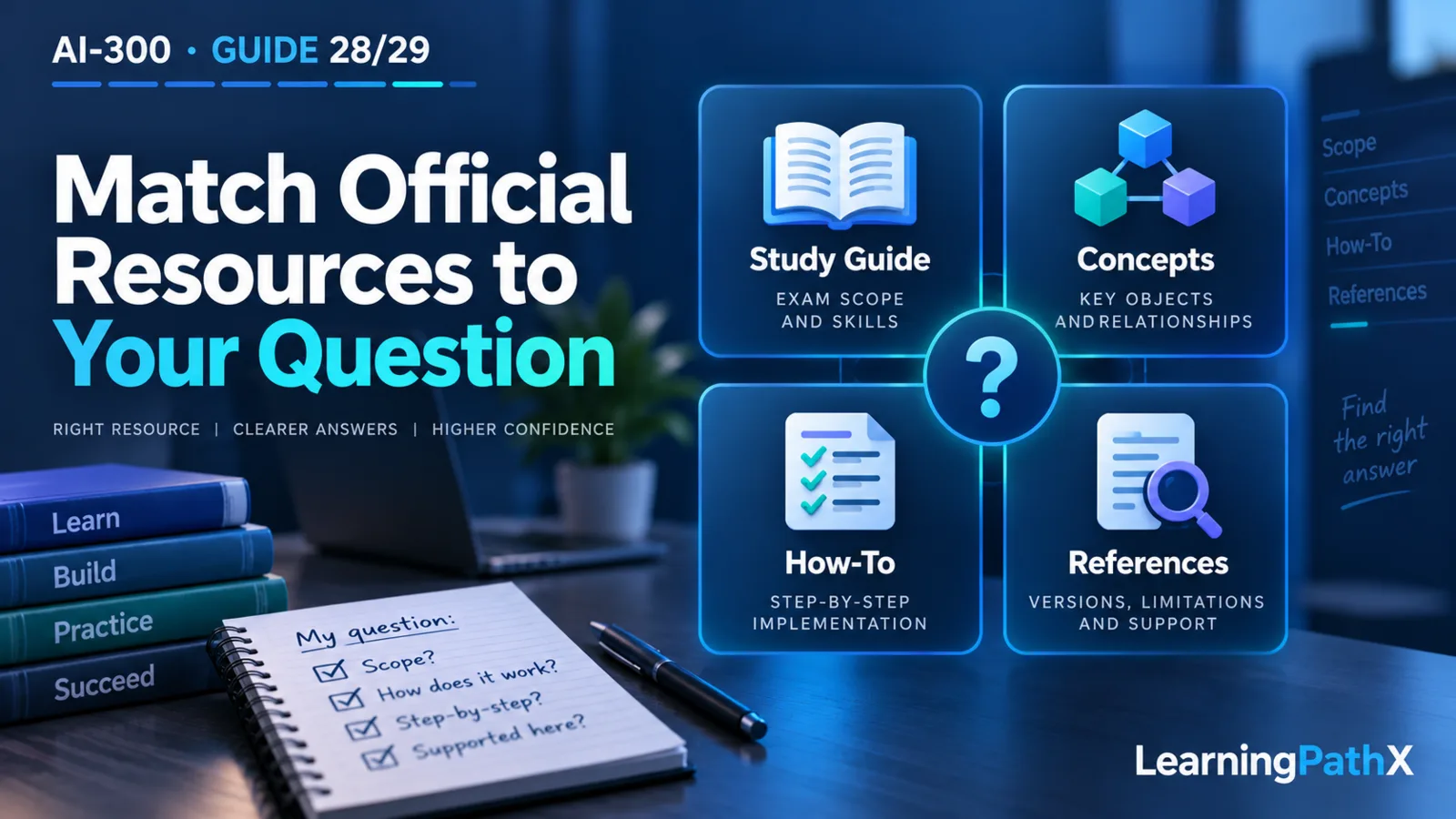
Use the AI-300 study guide to determine the skills in scope, the certification page for credential positioning and current administrative navigation, and product documentation for how a task works and which limitations apply. Within product documentation, choose a concept page for relationships, a quickstart or how-to for a concrete operation, and the relevant reference or limitation section for exact support conditions.
Choosing official documentation and learning resources is therefore a question of fit, not merely whether a page belongs to Microsoft Learn. This FAQ helps you select the source that answers your current question, establish a sensible reading order, and avoid mixing Azure Machine Learning versions or current and classic Foundry experiences. It provides navigation guidance rather than a complete technical course or a claim that a particular training package is available.
Which Official Source Should I Open First?
Start with the question you need answered:
| Your question | First source to select | What it is useful for |
|---|---|---|
| What does the credential cover and whom is it for? | Microsoft Certified: Machine Learning Operations Engineer Associate | Role, audience and credential context |
| Which skills should my preparation address? | AI-300 study guide | Published domains and detailed skills |
| How do the technical objects relate? | The applicable product concept page | Vocabulary and component relationships |
| How do I perform this operation? | Current task-specific quickstart or how-to | Prerequisites, operation and verification steps |
| Does this exact feature or configuration work here? | Feature-specific reference and limitation sections | Version, model, region, deployment and compatibility conditions |
The AI-300 study guide identifies learning scope; it does not by itself establish every product configuration's support. Likewise, a successful quickstart example is not evidence that you have addressed the full scope of the credential.
Use AI-300: Certification Scope and the AI Operations Role for orientation within this series, then return to the official source appropriate to the task.
In What Order Should I Read the Resources?
Recommend a short sequence for one selected objective:
- Read its exact wording in the current study guide and write the operation you need to understand.
- Read the matching concept page until you can identify the relevant resources, assets and relationships.
- Select the current task guide for the operation and inspect its prerequisites before its commands.
- Follow up on the exact capability or limitation that affects your scenario.
- Record what evidence would demonstrate the operation in an authorized learning environment.
For example, use How Azure Machine Learning works: resources and assets to orient yourself before pursuing a workspace or asset task. For a current Foundry environment, Set up Microsoft Foundry resources is a more direct starting point than a legacy authoring guide.
This sequence is a recommended reading method, not a personal timetable. Stop expanding the resource list when the immediate question is answered and the remaining uncertainties are explicit. More open pages do not necessarily produce better understanding.
How Do Concept Pages and Quickstarts Differ?
A concept page helps you decide what the objects mean and why they are separate. The Azure Machine Learning resources-and-assets page, for example, distinguishes infrastructure resources from versioned assets. Use it to establish the vocabulary that a later task guide assumes.
A quickstart gives an initial working path with particular prerequisites and examples. The current Foundry setup quickstart covers project creation, model deployment, connection details and access. Read its verification steps as well as its creation steps, then investigate additional requirements relevant to your intended environment.
For an exact parameter, support boundary or error, select the reference linked to that operation and confirm the applicable version. Do not infer a command's full contract from an objective bullet or a conceptual diagram. This FAQ intentionally does not reproduce the commands or teach the entire deployment workflow.
How Can I Tell Whether an Azure Machine Learning Page Matches This Series?
Check the page's applicability statement and version selector before using its examples. The resources-and-assets page cited here explicitly applies to Azure CLI ml extension v2 and Python SDK azure-ai-ml v2, and points separately to the v1 concepts.
Recommend recording the product, interface and version together when choosing a source. “Azure Machine Learning documentation” is too broad when the question concerns a particular CLI command or SDK object. If an older sample uses a different interface, locate the matching current procedure before assuming the syntax or behavior transfers.
Also distinguish a page's update date from a product version or a skills-effective date. A date is useful context, but it does not replace an explicit applicability statement.
How Do I Recognize Current Foundry Versus Classic Content?
Read the article's applicability notes, project type and warnings. Do not rely only on a familiar product name or the fact that the page is still accessible.
Tune prompts using variants in Microsoft Foundry portal (classic) is an instructive boundary example: it states that it supports legacy hub-based projects and does not work for current Foundry projects. It also says Prompt flow retires on April 20, 2027 and its runtime container images no longer receive updates, including security and package updates. Treat it as legacy context, not the starting point for a new build.
By contrast, the current Foundry setup quickstart explicitly identifies its current portal experience. Select documentation that matches the resource/project type you actually have. If a task requires a capability described only for a different experience, resolve that compatibility question before copying its procedure.
Where Should I Check Preview Status, Model Version and Regional Support?
Use the exact feature's current documentation, then inspect its support and limitation sections. A general product overview helps you find that page, but should not be your only evidence for a specific deployment combination.
The Foundry setup quickstart, for example, directs readers to list models available in their region to confirm a model name and version. It explains that an unsupported model/version/SKU combination can fail deployment. It also labels instant model access as preview. Those details demonstrate why a sample selection or optional shortcut needs its own support check.
Recommend checking four dimensions separately: the exact model/version, deployment type, location or processing requirement, and feature status. Match the source to the dimension being decided. Model-family availability does not answer every version or deployment question, and a preview label should remain visible in your notes rather than disappear when summarizing the example.
Does a Training Link Establish That a Complete AI-300 Course Is Available?
Do not infer a specific course, module collection, exercise environment or complete coverage from a generic training-navigation link. Inspect the actual current learning resource before depending on it: read its title, objectives, prerequisites, products and version context, and check whether the exercises fit your authorized environment.
Use a verified learning resource to explain a concept or rehearse a skill, then use current product documentation for the implementation details that matter. This FAQ names no unverified course or module and promises no particular training availability, duration or assessment outcome.
For resource selection, an appropriate question is “Which published skill does this resource help me understand, and which implementation detail still needs a current reference?” That is more useful than collecting a large resource bundle without examining its fit.
What If Two Official Pages Seem to Disagree?
First compare what each page is claiming. A study guide may include a broad skill while a feature guide limits one implementation route. For example, a prompt-variant skill does not mean a classic hub-only authoring procedure is available in current Foundry projects.
Next compare product, project type, interface, version, feature status and the exact operation. Prefer the source whose scope matches the implementation question; retain the study guide as the scope reference. If two applicable authoritative sources still conflict on a necessary fact, record the conflict and hold that procedural conclusion until it is resolved. Do not merge incompatible instructions or silently assume that the newest-looking page settles every detail.
What Should I Retain After Choosing a Source?
Recommend a small source-selection note containing the question, exact article title, applicability/version context, verification date, relevant limitation and the conclusion it supports. Distinguish a confirmed fact from a suggested learning exercise.
For the classic variants example, the useful conclusion is that the procedure does not qualify as a current-project implementation guide. For the Azure Machine Learning concept example, the conclusion is that it provides the v2 resource/asset vocabulary before task-specific work. Neither conclusion requires pretending to have executed a deployment.
This habit benefits both learners and implementers: it leaves a clear reason for the selected page and makes an unresolved version or capability question easy to revisit.
Conclusion
Select official resources by the question they can establish: scope, concepts, implementation or support conditions. Follow a short concept-to-task reading sequence, inspect version and classic/preview boundaries, and retain the exact reason a source applies. That creates a usable learning route without turning a navigation page into an unsupported technical or training promise.
Authoritative Sources
- Microsoft Certified: Machine Learning Operations Engineer Associate
- AI-300 study guide
- How Azure Machine Learning works: resources and assets
- Set up Microsoft Foundry resources
- Tune prompts using variants in Microsoft Foundry portal (classic)