
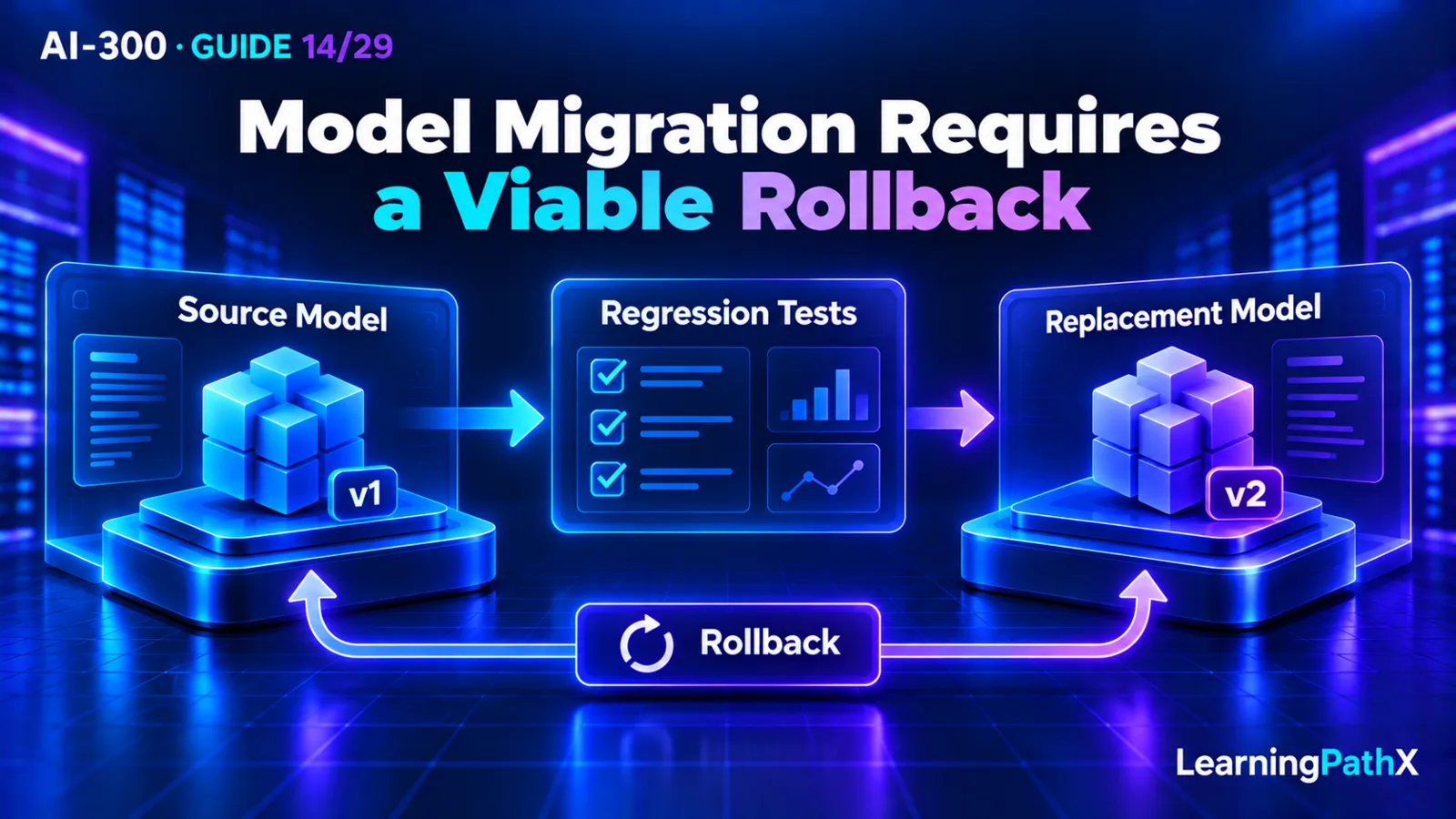
Change a production base model through a controlled sequence: discover the need and deadline, assess an available replacement, adapt the application, validate against fixed evidence, roll out in stages and retire the source deliberately. Establish the existing model's behavior on a representative frozen dataset before adapting the candidate. Preserve the source deployment and its compatible application configuration while rollback is still required, and verify that capacity and retirement timing make that path usable.
Deployment type determines the available upgrade mechanics. Standard-family deployments have versionUpgradeOption policies; provisioned deployments require manual migration; batch deployments use a side-by-side transition. Automatic upgrades can keep a deployment serving while application behavior changes, and NoAutoUpgrade does not extend a model's supported lifetime. This procedure follows Microsoft Foundry base-model documentation verified on October 15, 2026; it excludes fine-tuned-model training and lineage.
What Base-Model Migration Must Preserve
A model change can affect response structure, wording, tool behavior, latency and cost even when the application still receives a successful response. The migration unit should therefore be an application configuration, not merely a model name. Identify the model/version, deployment type, prompts, request parameters, tool definitions, output contract and calling-code revision used by each candidate.
The goal is measurable compatibility or an explicitly accepted improvement. A different result is not automatically a defect, but every change that affects downstream consumers needs to be understood. For example, an answer that becomes more verbose may still be correct while breaking a strict output parser or increasing response time. Define the application outcome before deciding which differences matter.
The following six phases adapt Microsoft's migration process into reviewable operational steps. They are a procedure to plan and verify, not a claim that any deployment was changed while writing this article.
Step 1: Discover the Change and Establish the Deadline
Inventory the deployments the application actually calls. For each one, record the source model and version, deployment type, responsible owner, current upgrade setting and applicable retirement information from current official documentation. Keep deployment identity separate from the model identity so an application route can be traced to the model behind it.
Determine whether the trigger is retirement, a capability gap, performance or a better evaluated candidate. An optional improvement can be deferred when evidence is weak; an approaching retirement needs a workable transition before the source stops being viable. Reserve time for assessment, adaptation, validation and rollback observation rather than treating the retirement date as the day to begin testing.
The recommended output of this phase is a short decision record: why migrate, who owns the work, what evidence is needed and when source-dependent rollback ceases to be available. Verify real dates for the actual model; this article does not invent a common retirement date or a guaranteed migration window for every deployment.
Step 2: Assess the Candidate and Its Upgrade Mechanics
Confirm the replacement's required capabilities, supported deployment type, processing location, quota and actual availability. A public benchmark can narrow candidates, but it does not establish compatibility with the application's own inputs. Check that the target can coexist with the source if the rollout design depends on returning to the old deployment.
The current migration guidance distinguishes these paths:
| Deployment type | Documented migration mechanics | Planning consequence |
|---|---|---|
| Standard, Global Standard, Data Zone Standard | Rolling automatic upgrades controlled by versionUpgradeOption; Priority Processing follows this path | Inspect the actual policy and validate replacement behavior before its applicable transition |
| Provisioned throughput | Manual migration, either in-place or side-by-side | Choose whether retaining a separately callable source is necessary and confirm target capacity |
| Batch | Side-by-side: new deployment, resubmitted jobs, then source retirement | Track job inputs and completed outputs through the change, not only an interactive route |
For the Standard family, the documented policy values are OnceNewDefaultVersionAvailable, OnceCurrentVersionExpired and NoAutoUpgrade. They respectively tie automatic upgrading to a new default, retain the current version until expiry, or disable automatic upgrading. Under NoAutoUpgrade, the deployment stops working at retirement. Keeping the setting unchanged is therefore not a continuity plan beyond that deadline.
These controls do not make every deployment category interchangeable. Do not assume a Standard-family policy will automatically migrate provisioned capacity or a batch workload. Likewise, selecting a policy cannot establish that the replacement produces acceptable application output.
As a recommendation, prefer a side-by-side design when independent candidate testing and an explicit source route are required. In-place provisioned migration is a documented alternative, but it does not provide a second untouched deployment merely by changing the version in place. Establish the actual rollback strategy before choosing that route. Coexistence also needs sufficient resources and a cost plan; quota approval alone is not evidence that the intended target allocation exists.
Step 3: Adapt Against a Frozen Application Test Set
Before adapting prompts or code, assemble representative inputs, reference expectations and agreed success criteria. Include routine cases, boundary inputs and known failures that matter to the application. Freeze the dataset and criteria for this comparison and record their identity. If a reference error must be corrected, document the change and rerun the affected baseline/candidate comparison under the corrected evidence.
Replay the source configuration to establish a baseline. Then replay the existing configuration on the target as unchanged as compatibility permits. This first comparison helps separate model-driven behavior changes from changes introduced during adaptation. Where a request parameter is unsupported on the target, record the necessary compatibility edit explicitly rather than calling the run entirely unchanged.
Adapt more than prompt wording when needed. Review supported parameters, tool descriptions and argument contracts, structured-output requirements, response parsing and the calling interface. Track each change with its reason so a favorable result can be attributed to an identifiable configuration.
For an original illustrative case, suppose an invoice application expects currency to be a short code and total to be a number. A candidate might return a currency name or a formatted amount string while preserving the apparent meaning for a human reader. A recommended test would check the application's declared schema and downstream calculation behavior, not merely whether the summary sounds accurate. This is an application-owned example, not a Foundry response schema or an observed migration result.
Do not repair the test set simply to accept the candidate's new format. Decide whether to preserve the application contract through adaptation or deliberately revise the contract and assess the consumers affected by that revision. Model replacement and application-interface redesign should remain distinguishable decisions.
Step 4: Validate Source and Candidate Under the Same Criteria
Evaluate both configurations on the frozen set using consistent measures and review rules. Assess application quality, relevant risk, response-time behavior and cost drivers. Inspect individual regressions, especially parsing or tool-call failures that an average score can hide.
Recommended validation evidence should retain:
- Dataset and criteria identity, with baseline and candidate configuration revisions.
- Case-level outputs and diagnostics sufficient to explain important differences.
- Quality results and any unresolved high-impact failure cases.
- Relevant response-time measurements and the workload conditions under which they were collected.
- Input/output token behavior and a cost assessment using current applicable billing information.
- The decision, exceptions if any, and the people or process responsible for accepting them.
Do not claim that lower token counts alone establish lower total cost, or that a faster small test proves acceptable behavior at production load. Keep the evidence's scope visible. Detailed evaluator selection and acceptance-gate design belong in AI-300: Choosing Quality, Safety, and Custom Evaluation Gates.
The output of validation is a justified rollout decision, not proof that all production cases are covered. If the candidate fails a required contract, return to adaptation or assess a different candidate. An automatic upgrade schedule is a constraint on that work, not a substitute for it.
Step 5: Roll Out with an Explicit Rollback Route
Begin in a suitable non-production environment, then expose the validated configuration gradually according to the application's risk and deployment path. Keep the source reachable during the agreed observation period, subject to its actual retirement deadline. Record the signals that halt expansion or trigger rollback before the rollout begins.
Foundry's migration guidance places weighted routing between separate deployments in the application's gateway or application layer. Do not assume a generic Foundry deployment setting automatically provides a weighted traffic split. The route should switch the compatible prompt, parameters, schemas and calling behavior with the selected model rather than accidentally mixing source and candidate configuration.
For batch work, record which jobs and inputs belong to each deployment. The side-by-side path requires submitting work to the replacement and tracking its results; changing an interactive application setting cannot redirect already submitted work. Recommended reconciliation should prevent duplicate downstream processing when jobs are resubmitted.
Observe quality indicators, errors and latency relative to the baseline. If direct customer exposure is unsuitable, consider a controlled offline or shadow comparison under the applicable data-handling rules. Shadow execution is still useful only if its outputs are assessed and its extra work is accounted for.
A rollback rehearsal should confirm that the source route, credentials, application configuration and required capacity are still usable. Returning to a source that has retired, was deleted or no longer has the necessary allocation is not a viable fallback. For a partial rollout, document which application paths use each version so a partial rollback is understandable.
Step 6: Retire the Source Deliberately
Retire the old deployment after the agreed acceptance and observation criteria are met and the rollback requirement is closed. Confirm no remaining application paths or scheduled work depend on it. Remove the obsolete route/configuration references and decommission the deployment through the team's normal change process.
Retain evaluation artifacts, configuration history and the decision record according to the applicable retention requirements. Update operational documentation so responders can identify the active model and recognize obsolete instructions. Archive unresolved lessons and add newly discovered cases to the next version of the regression set after closing the current comparison.
Separate technical cleanup from financial cleanup. Releasing a deployment's allocation does not automatically resolve every associated commitment or organizational cost record. Assign an owner to those follow-up checks rather than leaving unneeded resources active indefinitely.
Common Learning and Operational Mistakes
- Treating a responsive endpoint as evidence that application behavior is unchanged.
- Assuming one versionUpgradeOption applies to Standard, provisioned and batch deployments.
- Using NoAutoUpgrade as though it extends model support beyond retirement.
- Adapting the candidate and changing the baseline dataset at the same time without preserving comparability.
- Planning rollback while omitting source/target coexistence capacity or source expiry.
- Switching the model route while leaving incompatible prompts, parameters or parsing code in place.
- Retiring the source before checking partial-rollout paths and outstanding batch work.
- Applying a base-model procedure to fine-tuned weights with their own training and deployment lifecycle.
Conclusion
Migrate the complete application configuration with fixed regression evidence and deployment-specific mechanics. Validate behavior before staged exposure, retain a source route only while it is operationally and temporally viable, and close the migration through deliberate retirement. A model upgrade is successful when its application outcome is understood and supported, not simply when a different model answers requests.