
Introduction
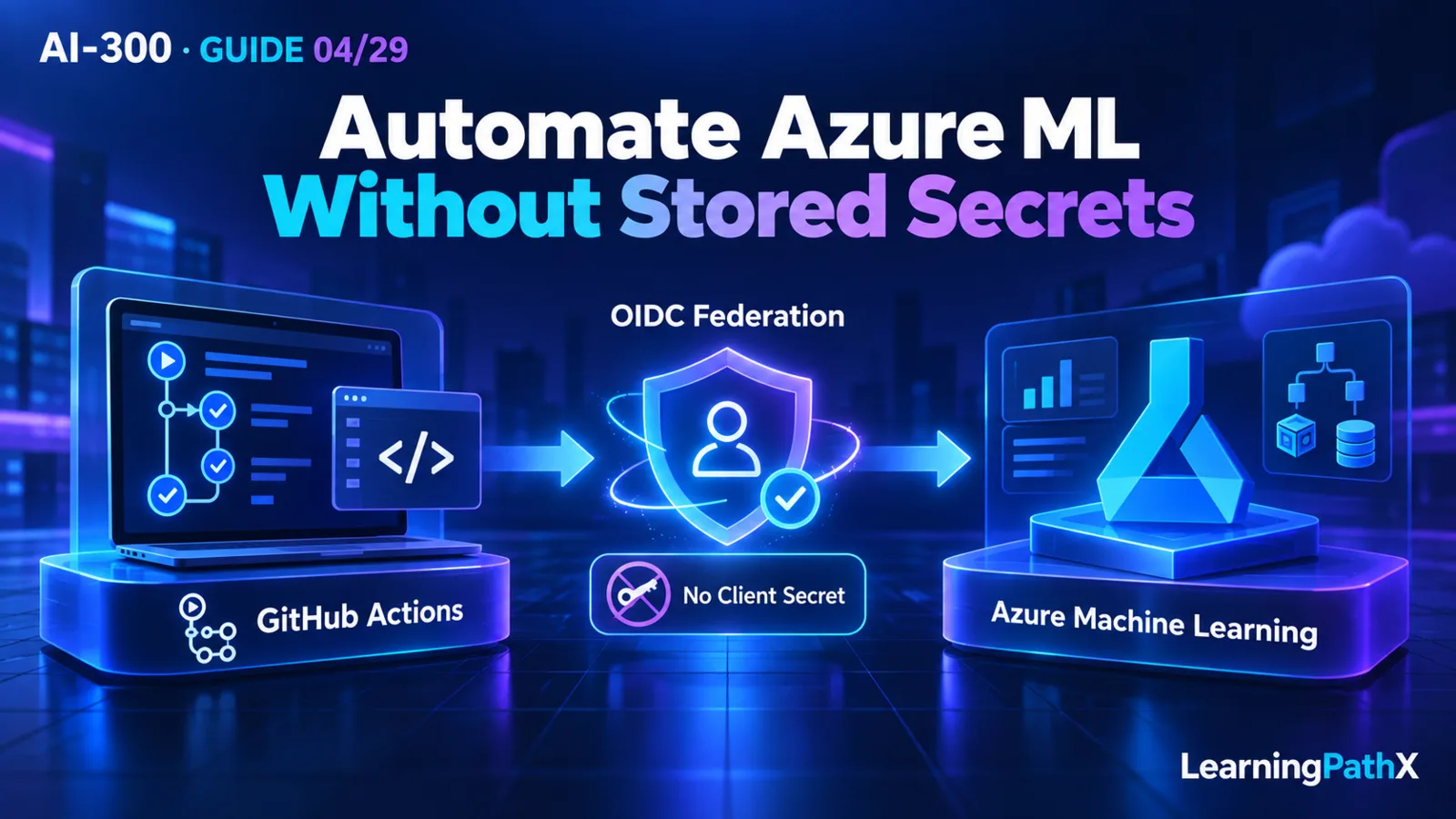
Rehearse workspace automation by putting reviewed infrastructure and job inputs in Git, authenticating GitHub Actions to Azure through OpenID Connect (OIDC), and checking resource and job results separately. This continuous integration (CI) workflow uses a configured federated identity credential; it does not require a stored client secret. The workflow must still have suitable Azure permissions and a network path to its target.
This is a constrained sandbox design rehearsal, not a claimed deployment or a turnkey workspace template. It proceeds through source review, federation, a Bicep deployment smoke check, reviewed workspace provisioning, and one Azure Machine Learning job submission. Each stage has an observable acceptance condition. If executing later, record actual evidence instead of treating the expected results below as results already obtained.
What This Lab Rehearses
The illustrative scenario is a team preparing a disposable environment for a small training pipeline. The team needs to reproduce its resource choices and identify the exact code and configuration behind a submitted job. Model quality, production release, and advanced pipeline design are outside this exercise.
Use two distinct official starting points. Deploy Bicep files by using GitHub Actions demonstrates federation and a storage-account Bicep deployment. Create a workspace by using an Azure Resource Manager template supplies the actual Machine Learning resource example. The former does not define a complete Machine Learning workspace Bicep schema. Keep that distinction explicit rather than composing an unverified workspace definition from memory.
The lab's completion artifact is an evidence record connecting the approved Git commit, federated principal, deployment, workspace, and Machine Learning job. Proposed filenames and gate names below are lab conventions, not Azure-generated features.
Prerequisites, Audience, and Constraints
Start after understanding AI-300: Securing Azure Machine Learning Access and Networks. The operator should be able to review Git changes, Azure role scopes, CLI output, and a GitHub Actions workflow.
Before enabling a run, have:
- An authorized non-production Azure subscription and a dedicated, disposable resource group with no shared resources.
- A GitHub repository under your control, an approved runner, and permission to configure its federation relationship with a Microsoft Entra application or user-assigned managed identity.
- Separately authorized bootstrap administration for creating the identity, federation, resource group, and necessary role assignments. The CI identity should not grant itself permissions.
- Azure CLI with the Machine Learning CLI v2 extension available in the chosen runner setup, plus reviewed official template and pipeline sample revisions.
- An agreed resource inventory, allowed region, compute limit, spending limit, owner, and cleanup deadline. These are local controls, not a guarantee that a budget notification stops spending.
Use synthetic or public sample data only. Keep the initial workflow manually triggered; do not copy scheduled or pull-request deployment triggers into this sandbox unexamined. Do not run arbitrary unreviewed branch code under the federated identity. Do not commit credentials or capture OIDC tokens in logs.
Why the Evidence Gates Matter
A green workflow can mean only that its scripted steps returned success. Resource provisioning, job submission, and job completion are separate outcomes. For example, an accepted asynchronous job may later fail while reading data. A setup step configured to continue after an error can also leave later evidence misleading.
Define these gates before execution. A design-only rehearsal records how each gate would be observed; an executed rehearsal records actual identifiers and observations.
| Gate | Required acceptance artifact |
|---|---|
| Source approval | Commit identifier, reviewed file list, parameter choices, sample provenance, and action versions. |
| Federation | Intended tenant/subscription and principal selected, with successful authentication and no client-secret input. |
| Provisioning | Deployment record plus workspace identity, resource group, location, dependency inventory, and observed provisioning state. |
| Submission | Machine Learning job identifier tied to the approved pipeline configuration and workspace. |
| Execution | Final job and component states inspected; relevant outputs and sanitized logs retained. |
| Cleanup | Owned resources and temporary trust/permissions removed or explicitly accounted for. |
Do not call the execution gate passed solely because the GitHub job succeeded. Conversely, job completion does not establish that the trained model is suitable for production.
Core Procedure: From Git to a Submitted Job
1. Freeze the Inputs in a Review Branch
Use the official Bicep quickstart's storage-account sample as the small deployment smoke check. Review its parameter constraints and chosen storage SKU before adopting it. Copy it into a proposed infra/smoke/main.bicep path and record its provenance; this sample's success proves only the generic deployment path.
For the workspace stage, inspect the official workspace-template guidance and the complete linked machine-learning-workspace-vnet sample, including nested resources. Review the workspace, Storage, Key Vault, Application Insights, Container Registry, and network choices as a group. Preserve the official ARM JSON approach for this rehearsal rather than presenting an invented Bicep translation.
The workspace guidance warns that sample API versions may lag and describes a multiple-workspace/shared-virtual-network limitation. Treat API, policy, and network review as execution prerequisites. Do not assume that changing an API-version string alone makes a sample suitable. If suitability cannot be established, stop at the design artifact and record the unresolved requirement.
Choose and record workspaceName, location, new-versus-existing dependencies, and network parameters from the reviewed sample. Avoid existing production resources. The inspected linked workspace sample disables public workspace access, so the runner and any interactive verification client need an approved private route. A generic GitHub-hosted runner is not assumed to have that route. Do not enable public access merely to make this exercise pass.
Commit the selected templates, non-secret parameter choices, job configuration, and proposed workflow. Review this commit before enabling Azure mutations.
2. Configure the Federated Trust and Scope
Choose one principal: a Microsoft Entra application with a service principal, or a user-assigned managed identity. Configure its federated identity credential for the intended GitHub repository context using the official OIDC setup referenced by the source guidance. Check that the configured trust matches the actual execution context; repository identity alone is not an acceptance test for a mismatched credential.
Grant the principal only the required sandbox actions. Provisioning dependent resources and submitting a workspace job are different permission sets; workspace-only permissions cannot be assumed to create every dependency. Confirm role-assignment and network-approval responsibilities separately. Record the scope and principal identifier without recording tokens.
The following educational workflow fragment shows the authentication boundary only. Replace all identifier placeholders, select the reviewed runner appropriate to the network design, and review action revisions before use. It stores no client secret and performs no deployment by itself.
name: ml-sandbox-rehearsal on: workflow_dispatch permissions: contents: read id-token: write jobs: rehearse: runs-on: REPLACE_WITH_APPROVED_RUNNER_LABEL steps: - uses: actions/checkout@v4 - uses: azure/login@v2 with: client-id: REPLACE_WITH_CLIENT_ID tenant-id: REPLACE_WITH_TENANT_ID subscription-id: REPLACE_WITH_SUBSCRIPTION_ID
Client, tenant, and subscription identifiers configure the login target; they are not client-secret credentials. Use the organization's approved handling for those identifiers. The OIDC permission enables token issuance for login; Azure role assignments still determine what the authenticated principal can do.
3. Rehearse Resource Deployment and Verification
In the reviewed workflow, place deployment after login. The Bicep quickstart demonstrates azure/arm-deploy@v1 with resource group, template, and parameter inputs. First point those inputs at the reviewed storage smoke sample and its sandbox parameters. Then define a separate deployment stage for the reviewed workspace ARM template. Each stage must target the dedicated group and fail visibly if its required operation fails.
Keep the deployment name, selected files, and parameters in the evidence record. Do not infer workspace creation from the smoke stage. Inspect the workspace independently using the official CLI verification pattern, substituting the approved sandbox names:
az ml workspace show \ --name REPLACE_WITH_WORKSPACE_NAME \ --resource-group REPLACE_WITH_SANDBOX_RESOURCE_GROUP \ --output table
Compare the observed workspace and dependencies with the approved inventory. The documented successful provisioning state is Succeeded; that is an expected acceptance value here, not recorded output from this article. Confirm the runner's required connectivity before continuing.
4. Submit One Reviewed Machine Learning Pipeline
Use the pipeline sample described in Use GitHub Actions with Azure Machine Learning. Its configuration is under cli/jobs/pipelines/nyc-taxi/pipeline.yml in the official examples repository. Freeze a reviewed sample revision rather than depending on changing repository contents.
Review cli/setup.sh, setting its GROUP, LOCATION, and WORKSPACE values to the approved environment. Inspect its resource operations before execution so it cannot silently create a second environment. Ensure required compute exists under the approved resource and cost constraints. In pipeline.yml, align every compute reference with the selected cluster; the documented sample uses cpu-cluster.
The official workflow invokes its submission helper from the pipeline directory. After reviewing the helper at the same revision, its documented invocation can be rehearsed without shell tracing:
bash ../../../run-job.sh pipeline.yml
This command depends on the reviewed example repository layout, installed CLI v2 tooling, login, workspace setup, compute, and accessible sample inputs. It is not a standalone submission script. Do not adopt the example's continue-on-error: true for a setup step whose success this lab requires.
Capture the actual submitted job identifier and inspect that job in Machine Learning studio. Check the sample's preparation, transformation, training, prediction, and scoring components to establish execution completion. Determine whether the reviewed helper waits for completion or only submits work; if it only submits, keep the execution gate pending until the final state is checked. Reproducible components and pipelines are developed further in AI-300: Building Reproducible and Distributed Training Pipelines.
Common Learning Challenges and Failure Analysis
| Observation | First evidence to inspect | Response within the sandbox |
|---|---|---|
| Login fails | Principal identifiers and federation match for the actual run context. | Correct the trust configuration; do not add a client secret as a shortcut. |
| Login succeeds, deployment is denied | Failed operation, principal, target scope, and dependency permissions. | Correct the narrowly justified permission or scope through the bootstrap owner. |
| Workspace exists, job cannot be submitted | Selected workspace/group, CLI setup, runner route, and submission permissions. | Resolve the actual target or access failure before changing model code. |
| Job is accepted, then fails | Job/component states, runtime data access, environment, and compute references. | Fix the failing dependency; workflow status alone cannot close the execution gate. |
| Repeated runs create unexpected resources | Template names, parameters, setup operations, and deployment records. | Stop retries and reconcile the inventory before spending more. |
Retain sanitized failures as useful evidence. Never fabricate a job identifier or successful state to complete the report, and do not reproduce access tokens or secret values in artifacts.
Cleanup and Cost Protection
Use a manually triggered, bounded rehearsal rather than an unattended repeating workflow. Record the intended compute footprint before submitting the sample, and inspect remaining resources after failures as well as successes. Storage, compute, monitoring, and network resources can have separate costs; stopping a workflow does not constitute cleanup.
Before deletion, preserve the approved source revision and sanitized evidence, disable future triggers, and stop or cancel outstanding work. Have the authorized operator verify the exact subscription, dedicated resource-group name, resource inventory, and absence of shared dependencies. Delete only the owned disposable environment according to its recovery and retention requirements. Do not delete a shared container registry or other resource still used by a retained workspace.
Remove temporary role assignments and the sandbox's federated trust when no longer needed, checking whether the chosen identity serves anything else first. Confirm deletion or document retained resources and their owner. Do not claim that cleanup happened because a deletion request was merely submitted.
Conclusion
This rehearsal connects reviewed Git inputs to federated authentication, resource deployment, and an independently verified Machine Learning job. Its technical value is the evidence chain: another operator should be able to identify what was approved, which principal acted, what resources exist, whether the job completed, and what remains to clean up. A design-only run ends with explicit pending gates; an executed run replaces those with observed evidence.
Authoritative Sources
- How Azure Machine Learning works: resources and assets
- Manage access to Azure Machine Learning workspaces
- Workspace managed virtual network isolation
- Use GitHub Actions with Azure Machine Learning
- Deploy Bicep files by using GitHub Actions
- Create a workspace by using an Azure Resource Manager template