
Introduction
Select an HPE Aruba Networking switch by defining its network role, translating endpoint and uplink needs into hardware requirements, and then confirming every required capability for the exact model and software release. Reject a candidate when an essential requirement lacks documented support; compare cost and operational convenience only among candidates that pass those checks.
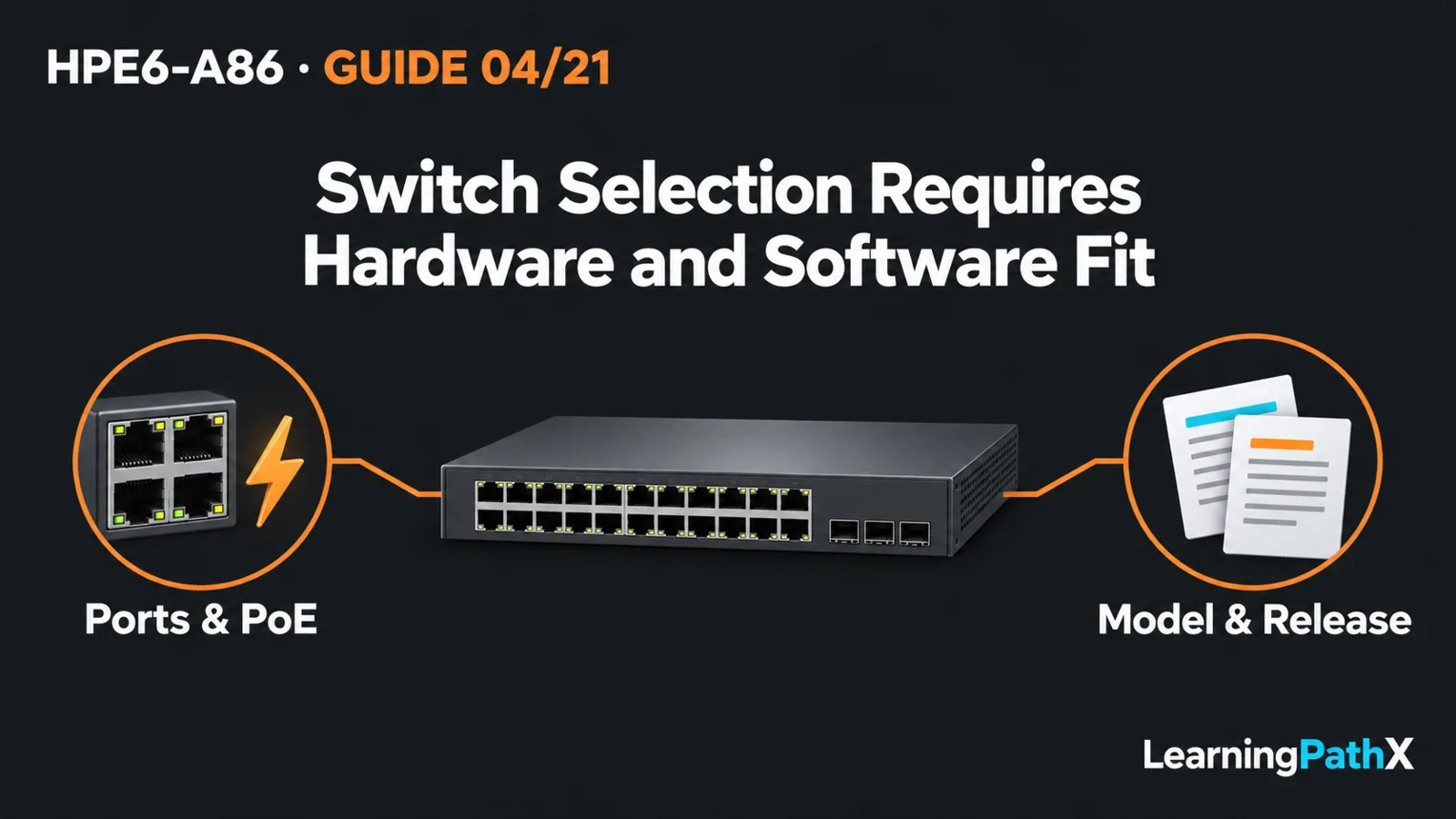
For selecting AOS-CX switch hardware and software capabilities, a family name is a starting point. Port media, Power over Ethernet (PoE), uplinks, failure tolerance and software functions must fit together. This guide provides a decision framework rather than a model catalogue. The series uses AOS-CX 10.13 on the HPE Aruba Networking CX 6300 Switch Series as a teaching baseline; that does not establish support for every current CX product or tie HPE6-A86 to that release.
Define the Role Before Choosing a Family
An access switch connects endpoints; an aggregation switch collects connections from other switches. Their selection questions differ. At access, endpoint interfaces and power often dominate. At aggregation, examine the combined traffic paths, uplink requirements and consequences of losing a shared device.
HPE's current portfolio gives useful starting distinctions:
| Starting requirement | Portfolio direction | Confirmation still required |
|---|---|---|
| Layer 2 campus access | CX 6000 or CX 6100 families | Exact port mix, uplink options and required operational features |
| Stackable Layer 3 access or aggregation | CX 6300 family | Exact model, stacking compatibility, routing requirements and supported release |
| Modular chassis and line-card deployment | CX 6400 family | Chassis, module, power and resiliency combination for the intended role |
These are shortlist directions, not interchangeable bills of materials. A modular chassis offers a different component arrangement from a stackable switch. Neither label alone proves that the proposed installation meets an availability target. Similarly, support for Layer 3 functions does not establish support for every routing protocol or scale requirement.
Turn Hardware Needs into Measurable Criteria
Ports, Media and Uplinks
Create an endpoint inventory before counting switch ports. Record connection type, required speed, location and expected growth. Distinguish electrical copper connections from optical fiber connections, then check the actual cabling and interfaces at both ends. A suitable connector does not by itself establish a supported cable or transceiver combination.
Treat uplinks as a separate requirement. Document where they terminate, the required interface types, traffic expectations and intended alternative path. As a design recommendation, evaluate the busiest plausible operating condition and the capacity available after an intended failure, rather than simply adding the advertised speeds of endpoint ports.
For example, spare endpoint ports do not resolve an unsuitable uplink interface. Conversely, a fast uplink does not provide the missing copper interfaces needed by the endpoints. Capture these as separate pass-or-fail criteria so one attractive headline specification cannot hide another deficiency.
Endpoint Power and Installation
For powered phones, access points or cameras, record each device's power requirement and the proposed simultaneous load. Confirm the candidate's supported PoE capabilities, per-port limits and available system power budget for the selected power-supply configuration. Do not infer aggregate power availability from the number of PoE-capable ports.
Include the installation environment in the selection worksheet: rack space, power feeds, cooling, physical access and maintenance arrangements. These are planning checks, not a claim that a particular model meets them. Where continued endpoint power during a component failure is required, request evidence for that precise operating condition.
Confirm Software Capabilities Separately
A shared operating-system name is not a universal feature matrix. Write down the actual functions the network needs: Layer 2 forwarding, required Layer 3 routing, access controls, monitoring and the intended management method. Then verify each against documentation that explicitly covers the candidate platform and proposed release.
Use a capability record with four fields: requirement, exact hardware identity, software version and supporting document section. Mark each requirement as confirmed, unsupported or unresolved. An unresolved essential capability keeps a candidate off the approved shortlist until evidence resolves it.
Keep these evidence questions distinct:
- Does the hardware provide the necessary interface or component?
- Does the selected software release support the required function on that platform?
- Are the required license, subscription or external management dependencies established for this proposal?
- Can the operations team configure, observe and recover the intended deployment?
The last two are verification questions, not assertions that every function needs an additional entitlement. A current portfolio page can identify product roles; a versioned technical guide establishes documented behavior within its stated platform scope. Neither should silently stand in for the other.
Compare Failure Behavior and Operational Fit
Convert "resilient" into a specific scenario: loss of an uplink, power supply, switch or another defined component. State which endpoints must remain connected, which services may stop and what recovery the team expects. Check the proposed topology and supported mechanism against that scenario before accepting it.
Do not substitute an aggregation or stacking feature name for this analysis. Multiple cables may still share a device or power dependency. A supported feature also needs a valid combination of hardware, software and topology. Detailed configuration belongs in the relevant technology procedure; selection must first establish that the proposed arrangement is supported and useful.
Operational fit matters alongside hardware. Ask who owns changes, how administrators reach the device during an incident, what evidence monitoring will collect and how replacement or recovery will work. These questions expose dependencies without turning portfolio selection into a management-tool deployment tutorial.
Apply the Framework to a Small Office
Consider an illustrative office requiring powered phones and access points, user connections and an uplink to the existing distribution network. Start with the endpoint and power worksheet. If the design requires Layer 3 functions or stackable access, investigate a suitable family such as CX 6300; do not assume that every member has the same interfaces or power capabilities.
Next, confirm the exact candidate model and intended release against the required functions. Check the uplink peer, media and failure arrangement. If power or compatibility evidence is missing, retain the candidate as unresolved rather than calling it suitable. The outcome is a documented shortlist, not a purchase decision based solely on the example.
Common Learning Challenges
Avoid comparing family numbers as a simple ranking. A larger number does not answer the installation's specific role and interface requirements. Also avoid equating port count with power budget, shared branding with software parity, or redundant components with verified service continuity.
For HPE6-A86 preparation, practice explaining why a candidate passes or fails a stated requirement. This connects the public hardware and software differentiation objectives to a useful operational skill without memorizing an exhaustive catalogue.
Conclusion
A defensible selection links each essential requirement to documented support for the proposed hardware, software and topology. Choose the role first, verify physical and power fit, confirm capabilities, and test the reasoning against failure and recovery needs. Keep uncertainty visible until the required evidence exists.