
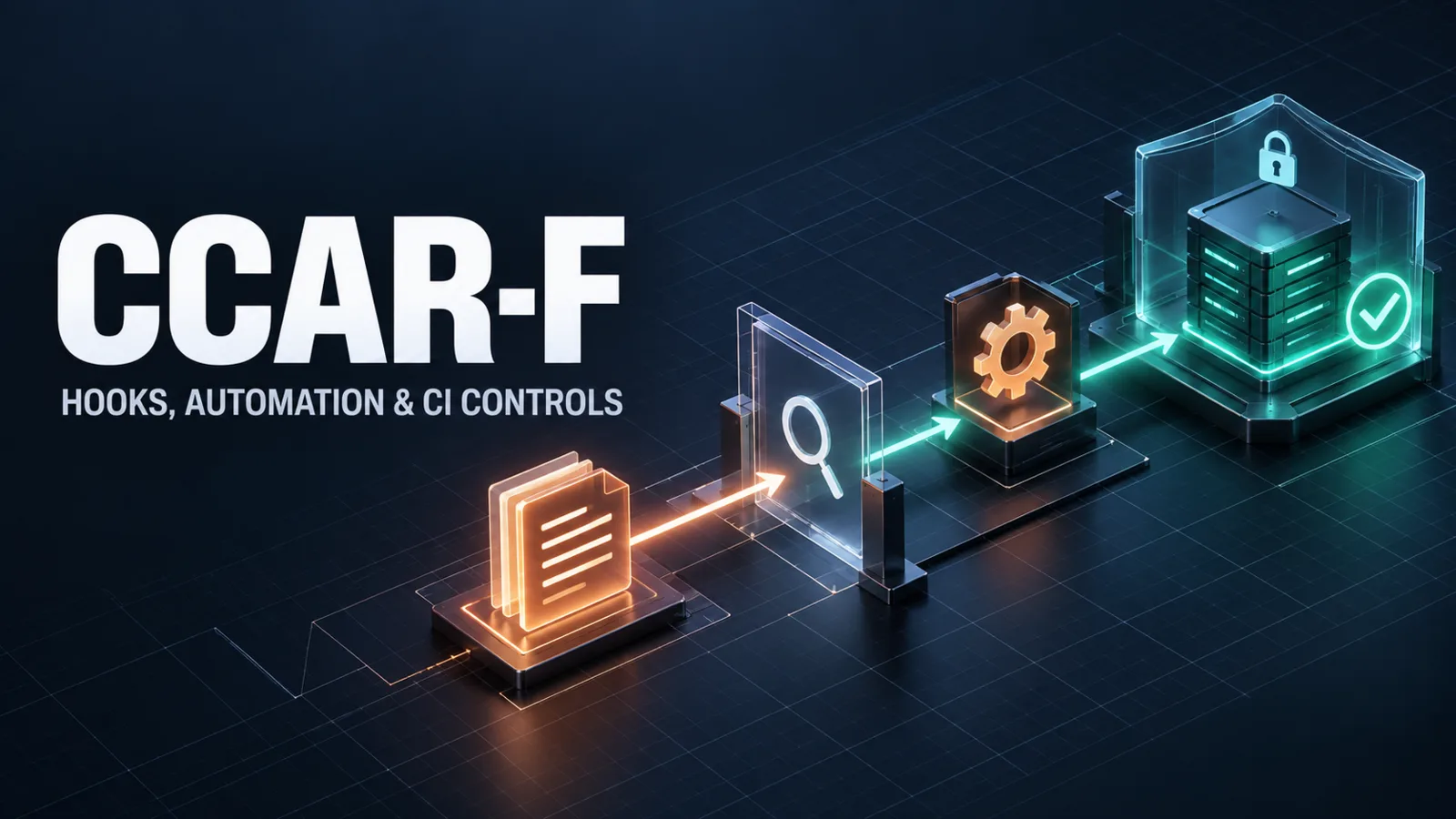
Claude Code automation should separate decisions from enforcement. Use plan mode to review proposed changes before effects occur; run claude -p as the non-interactive execution mechanism inside a CI job under preconfigured, narrowly scoped permission controls; and use hooks for deterministic checks at defined lifecycle events. Automation can execute commands, reveal logs, alter files, or reach external services, so its power must be paired with narrow scope, explicit ownership, and observable failure behavior.
Architecture Overview: Deterministic Controls at Lifecycle Events
Claude Code hooks run user-defined actions in response to lifecycle events. Anthropic documents hook events and supports command, prompt, and agent hook types, letting a workflow apply checks or guidance when a particular event occurs. The event trigger is deterministic; the outcome is not necessarily deterministic when a prompt or agent hook asks a model to make a judgment.
Use a hook when a rule must reliably occur at an event, such as checking a command before it runs or applying a validation after a file change. A hook is a poor substitute for broad, reasoning-heavy instructions: its value is that it runs predictably, not that it can solve every ambiguous task.
Choose the Right Hook Mechanism
Command hooks are appropriate for deterministic local checks whose inputs and exit conditions can be controlled, and are the preferred choice for production controls. Prompt hooks solicit a model judgment when a concise contextual assessment is useful. Agent hooks can delegate a richer task to an agent, but Anthropic documents agent hooks as experimental; use them only where that status and the cost of model judgment are acceptable.
The selection rule is simple:
- Prefer a command for a fast, reproducible policy or validation check.
- Use a prompt or agent hook only when interpretation is genuinely required.
- Keep any hook's side effects explicit and small; a check should not silently mutate a repository or production system.
Treat hook output as an interface. Make success, warning, failure, timeout, and bypass behavior visible to the person operating the workflow. Avoid a hook chain that recursively triggers itself or creates an unbounded sequence of model calls.
Plan Mode and Permission Modes
Plan mode supports a safer workflow for understanding a task and proposing changes before executing tools that could modify the environment. Permission modes govern how Claude Code asks for or receives authority to perform actions.
A practical review sequence is: inspect and plan; review the file list, commands, and external effects; then grant only the action required to implement or verify the approved work. This is especially valuable for unfamiliar repositories, production-adjacent configuration, migrations, and commands that can alter data.
Plan mode does not replace authorization. A plausible plan may still request access that policy forbids. Deny rules, managed settings, service authorization, and human review remain necessary controls.
Headless Execution and CI
Non-interactive or headless Claude Code workflows use the documented claude -p entry point when a pipeline needs repeatable analysis, generation, validation, or reporting without a person answering prompts. Such a run cannot resolve an interactive permission request, so the workflow must have the required permissions configured in advance and should keep them narrowly scoped.
In CI, give the job a dedicated identity, a minimal repository checkout, narrowly scoped credentials, bounded network access, and a fixed time and cost budget. Never pass broad developer credentials, production secrets, or a write token merely because an agent might need it. Treat model output and tool output as untrusted input before using either in a deployment or merge decision.
Use separate stages for proposal, validation, and privileged release actions. For example, an automated review may generate a report and run tests, while a protected release stage requires a policy-approved identity and independent checks. Define a practical CI contract that saves the headless response and validation logs as artifacts, validates generated output before consuming it, and reports a clear configured failure state when a required check cannot complete. This is an operational wrapper design; do not assume undocumented CLI flags or exit behavior.
Enforcement, Observability, and Failure Handling
Automation is maintainable only when operators can answer what ran, with which configuration, on which revision, and what it changed. Record the hook or workflow identifier, event, command or action type, exit status, duration, and sanitized diagnostic output. Redact secrets and sensitive payloads from logs; CI logs are frequently retained or broadly visible.
Decide failure policy per control. A security gate may correctly fail closed. A noncritical advisory check may warn while preserving a clear record. Do not silently skip a hook because a service is unavailable, and do not retry side-effecting actions without an idempotency strategy and a strict budget.
Common Automation Mistakes
The common mistake is treating a hook as a permission grant. A hook may run at the right time, but it still needs constrained commands, trusted configuration, and independent authorization. Another is moving a conversational Skill into CI and assuming it becomes deterministic. Skills guide reusable work; CI enforcement needs pinned inputs, explicit exit conditions, and observable results.
Avoid granting headless jobs broad filesystem, network, or cloud permissions. If a command can modify data, deploy code, send messages, or spend money, require an explicit control boundary and a recovery path.
Conclusion
Claude Code hooks and CI workflows are most useful when they make the right behavior repeatable without hiding risk. Plan before effects, use lifecycle events for deterministic controls, run non-interactive jobs with minimal authority, and make every enforcement decision inspectable. This keeps automation an operational control rather than an opaque source of privilege.
Authoritative Sources
- Automate actions with hooks
- Choose a permission mode
- Configure Claude Code permissions
- Common workflows