
Introduction
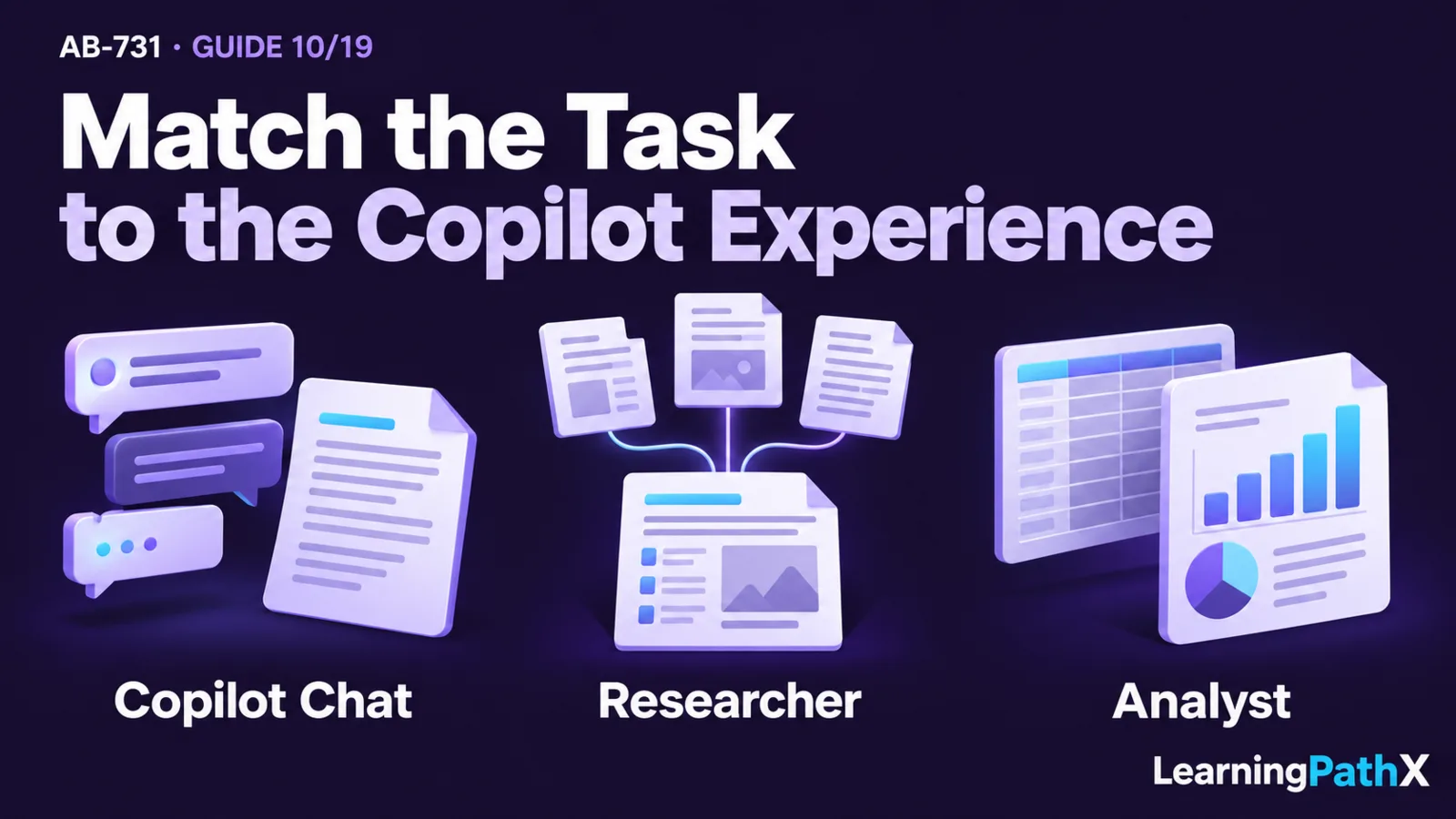
Choose Microsoft Copilot Chat for quick, interactive productivity work such as brainstorming, drafting, summarizing, and asking focused questions. Choose Researcher when the task requires multistep investigation across sources and a structured, source-cited report. Choose Analyst when the main input is data and the desired result is analysis such as statistics, trends, outliers, tables, charts, or a data-backed report.
The decision depends on the shape of the work, not which experience sounds most advanced. Start with the required output and evidence: a fast conversational answer favors Copilot Chat, a defensible synthesis of multiple sources favors Researcher, and a quantitative examination of files or accessible data favors Analyst. In all three cases, the user remains responsible for supplying appropriate context, checking important results, and deciding how the output may be used.
What Copilot Chat, Researcher, and Analyst Are
All three experiences support knowledge work through Microsoft Copilot, but they are optimized for different depths and types of processing. Microsoft documents Copilot plans, chat experiences, apps, agents, security, and availability in the current Microsoft Copilot service description. Because these capabilities and their availability can change, organizations should verify current service documentation for their environment before standardizing a workflow.
Microsoft Copilot Chat
Microsoft Copilot Chat is the general conversational starting point. It fits short or iterative work in which a user wants to ask a question, generate ideas, create a first draft, summarize supplied context, transform text, or refine an answer through follow-up prompts.
Its strength is direct interaction. The user can clarify intent, add context, correct a misunderstanding, and request another form of the output. That makes it useful for many everyday tasks, but a chat response is not automatically a complete research report or a rigorous data analysis. If the task expands into many sources or requires repeatable statistical work, switching experiences is usually clearer than stretching the chat interaction indefinitely.
Researcher
Researcher is a Microsoft Copilot agent for complex, multistep research and structured, source-cited reports. Microsoft's Researcher support guidance positions it for in-depth investigation that takes longer and uses multiple sources to develop a comprehensive response.
Researcher is appropriate when the user needs synthesis rather than a quick answer. Examples include building a market landscape, comparing policy positions, reviewing a topic across internal and external evidence, or preparing a briefing that must show its sources. The value comes from deeper investigation and an organized deliverable, not simply a longer piece of generated text.
Analyst
Analyst is a Microsoft Copilot agent for examining data and producing quantitative findings. Microsoft's Analyst support guidance describes work with attached or accessible data that can yield statistics, trends, outliers, tables, charts, and reports.
Analyst is appropriate when rows, columns, measures, and relationships in data are central to the answer. Examples include exploring changes in operating metrics, identifying unusual values, comparing segments, or creating an analytical summary from one or more data files. It does not remove the need to understand data definitions, quality, missing values, time periods, or the difference between correlation and causation.
Why Task-Tool Fit Matters
Selecting the wrong experience creates avoidable quality and efficiency problems. A quick chat can become unwieldy when a user manually assembles a large body of sources. A research workflow can be excessive for a simple rewrite. A data-analysis agent cannot supply reliable business meaning when the dataset's definitions and context are missing.
Task-tool fit also makes verification clearer. With Copilot Chat, the user checks whether the response follows the request and supplied context. With Researcher, the user inspects the source set, citations, reasoning, and completeness. With Analyst, the user validates the data, calculations, assumptions, interpretation, and presentation. The tool changes the work performed, so it also changes what a responsible review must examine.
Copilot Chat, Researcher, and Analyst Compared
| Decision factor | Microsoft Copilot Chat | Researcher | Analyst |
|---|---|---|---|
| Best-fit task | Quick productivity and iterative conversation | Complex, multistep source research | Data-heavy quantitative analysis |
| Primary input | A prompt plus supplied or available context | A research question plus relevant sources and scope | Attached or accessible data plus analytical instructions |
| Processing depth | Short, interactive turns | Extended investigation and synthesis | Exploration, calculation, pattern detection, and interpretation |
| Typical output | Answer, draft, summary, rewrite, or ideas | Structured, source-cited research report | Statistics, trends, outliers, tables, charts, or analytical report |
| User's key contribution | Clear intent, useful context, and iterative feedback | Bounded question, source expectations, and evidence review | Data definitions, quality context, measures, and analytical objective |
| Main verification focus | Relevance, accuracy, and appropriate use | Source quality, citation fit, coverage, and conclusions | Data quality, method, calculation, assumptions, and interpretation |
The table defines a strong starting point, but some business assignments contain more than one task. A project might use Researcher to understand an external market and Analyst to examine the organization's performance data, then use Copilot Chat to adapt the combined findings into an executive message. Treat each stage as a separate evidence-producing activity rather than assuming that one experience should own the entire workflow.
A Practical Selection Framework
1. Define the deliverable
Name the artifact the user needs. “Help with sales” is too broad. “Draft a follow-up email,” “produce a sourced competitor briefing,” and “identify quarterly sales outliers by region” point to different experiences.
2. Identify the dominant evidence type
Decide whether the answer depends mainly on immediate conversational context, a body of documents and sources, or structured data. If the assignment mixes evidence types, separate it into stages and preserve the sources and assumptions at each handoff.
3. Set the required depth
Determine whether the user needs a fast first pass, an extended investigation, or quantitative analysis. A short deadline alone should not force a quick tool onto work that requires defensible evidence. Reduce scope when the required depth cannot be completed responsibly.
4. Define verification before generation
Specify what the user will check:
- For Copilot Chat, confirm important facts, recipients, tone, and intended action.
- For Researcher, inspect whether sources are authoritative and current, whether citations support the claims, and whether material perspectives are missing.
- For Analyst, verify field definitions, filters, periods, calculations, outliers, and whether conclusions exceed what the data supports.
5. Confirm current access and availability
Capabilities, eligible accounts, service plans, and access paths are living facts. Verify the current official documentation rather than designing a critical process around assumed availability. This check belongs before a pilot, but detailed licensing selection is a separate commercial-readiness task.
Choosing by Business Scenario
Fast drafting and transformation
A manager has meeting notes and needs a concise follow-up message. Copilot Chat is the natural starting point because the task is bounded, conversational, and benefits from quick refinement. The manager should verify commitments, dates, names, and recipients before sending.
Multisource strategic briefing
A strategy team needs a documented view of a developing market using internal material and public sources. Researcher fits because the work requires investigation, synthesis, and citations. The team should define the question, time horizon, included and excluded source types, and the standard for a supported conclusion.
Operational data diagnosis
An operations leader needs to understand which regions drive a service-level decline and whether the pattern is concentrated in particular weeks or categories. Analyst fits because the task is centered on data, segmentation, trends, and outliers. The leader and data owner should confirm metric definitions, file completeness, date ranges, and known process changes before accepting the interpretation.
Combined executive decision support
An investment review may require external research, internal performance analysis, and a concise decision memo. Researcher can produce the sourced landscape, Analyst can examine the quantitative evidence, and Copilot Chat can help shape a concise draft from verified findings. A person should reconcile conflicts between the evidence streams and remain accountable for the recommendation.
Target Audience
This comparison is intended for business decision-makers, transformation leaders, functional managers, analysts, and knowledge workers who choose how Microsoft Copilot should support a task. It is also useful for adoption teams that design use-case guidance and training.
The goal is not to turn every user into a product specialist. It is to give users a repeatable way to match a task to the expected output, evidence source, processing depth, and review responsibility.
Business and Technical Value
Good selection reduces duplicated effort and makes output quality easier to govern. Users can reserve conversational work for fast iteration, use a research agent when citations and breadth matter, and use a data-analysis agent when quantitative evidence is central.
The framework also helps leaders define evaluation measures. Chat tasks can be assessed for task completion and rework. Research tasks can be assessed for source quality, coverage, citation support, and decision usefulness. Analysis tasks can be assessed for calculation accuracy, reproducibility, interpretive restraint, and whether the output changes a business decision.
Common Selection Mistakes
Choosing by output length
A long answer is not necessarily research, and a chart is not necessarily sound analysis. Select by evidence and work method, not the appearance of the final artifact.
Asking Copilot Chat to simulate every specialist workflow
Iterative chat is flexible, but flexibility does not erase the value of an experience designed for extended research or data analysis. Move to the specialist experience when the task crosses that boundary.
Using Researcher without a bounded question
A broad request can create a broad report that misses the actual decision. Define the audience, scope, time horizon, source expectations, and desired conclusion before starting.
Using Analyst without data context
Columns and values do not explain themselves. Supply definitions, business rules, reporting periods, known exclusions, and the intended decision. Treat unexplained fields and data-quality gaps as blockers to strong conclusions.
Treating citations or calculations as automatic approval
A citation must support the claim, and a calculation can be correct while its input or interpretation is wrong. Human review remains necessary, especially when an output affects customers, employees, finances, legal obligations, security, or strategy.
Ignoring changing capability and access boundaries
Do not rely on memory for availability, grounding, entitlement, or platform behavior. Recheck official documentation for the environment and date of the planned use.
Conclusion
Choose Microsoft Copilot Chat for fast conversational productivity, Researcher for multistep source-based investigation, and Analyst for quantitative work grounded in data. When an assignment combines these work shapes, divide it into stages and preserve the evidence, assumptions, and human review at every handoff.
The durable decision is based on deliverable, evidence type, processing depth, and verification responsibility. That approach prevents task-tool mismatch while keeping business users accountable for the decisions made from Copilot output.
Authoritative Sources
- Microsoft Copilot service description
- Get started with Researcher in Microsoft Copilot
- Get started with Analyst in Microsoft Copilot