
Introduction
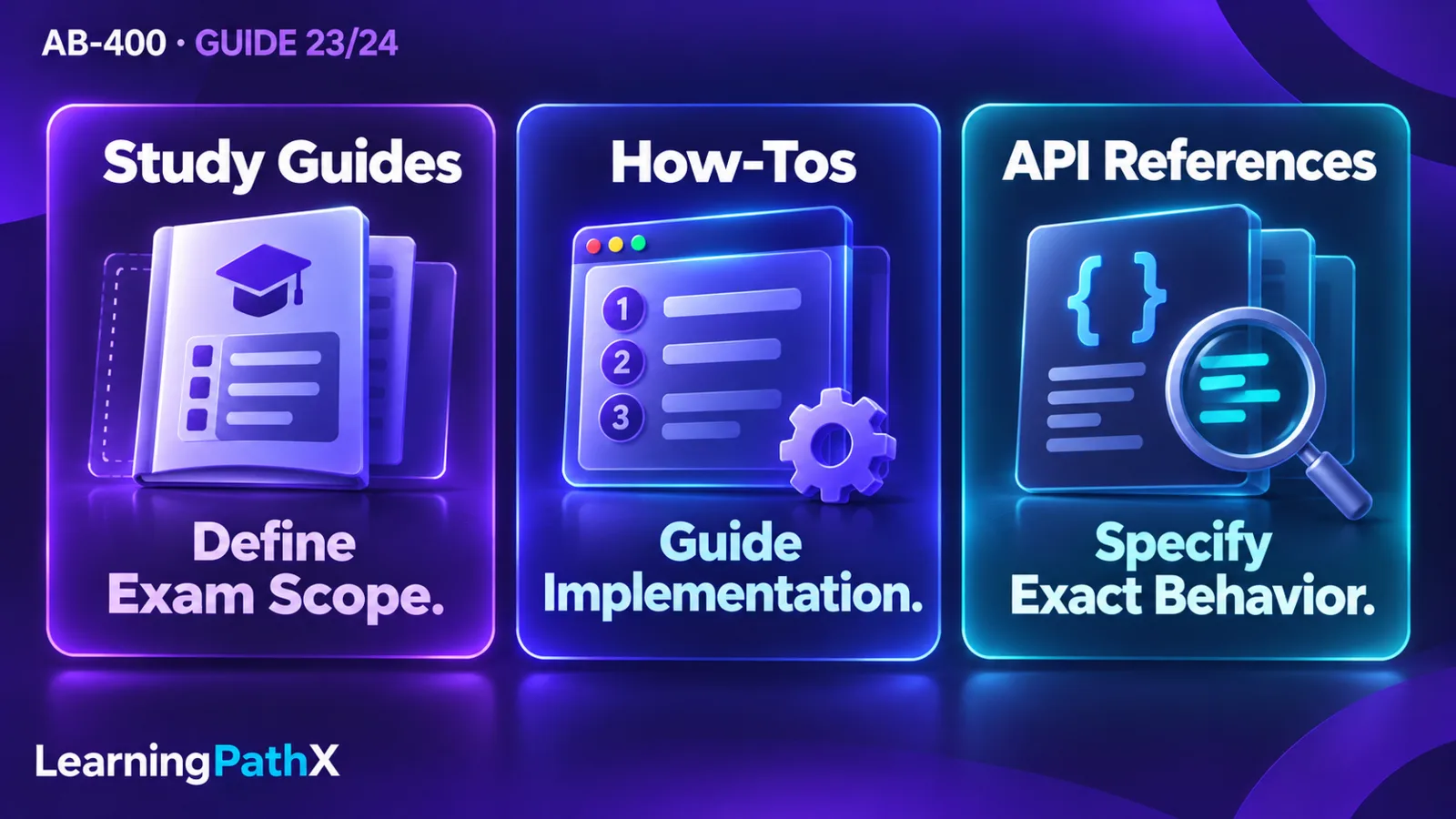
Use the AB-400 study guide to decide what to learn, the exam and certification pages to establish credential context, and the relevant product documentation to decide how a solution works. For implementation, read the component overview and prerequisites before a how-to, then consult the API reference for the exact contract. Check preview notices, supported environments and tool versions before applying an example. This task-first approach to navigating official developer documentation is more useful than collecting every page that mentions Power Platform.
This guide uses the AB-400 skills scope effective October 16, 2026, selected and verified on October 15. Sources were checked again on October 16 for this article. As of the October 15 baseline, Microsoft announced exam availability beginning October 16; that announcement does not establish that an appointment or delivery service is live. The examples below teach resource interpretation rather than a personal study schedule.
Navigating Official Developer Documentation by Reader Task
Start by writing the question you need a document to answer. “Is this in scope?”, “Which host owns this code?” and “Which parameter does this method accept?” need different evidence. A page can be authoritative for one of those questions while being too general for another.
| Reader task | Start here | Continue when necessary | Evidence to extract |
|---|---|---|---|
| Establish the selected skills scope | AB-400 study guide, Skills measured | Change log | Applicable objective and scope date |
| Check exam-specific administration | AB-400 exam page | Its scheduling or policy destinations | Exam code and current administrative statement |
| Understand the credential | Power Platform Developer Associate certification | Matching exam page | Certification identity and exam relationship |
| Understand an unfamiliar component | Product overview | Feature-specific prerequisites and limitations | Host, responsibilities and applicability |
| Build one supported capability | Current how-to or quickstart | API or command reference | Complete setup, operation and expected observation |
| Resolve behavior or compatibility | Relevant API reference and feature notices | The matching how-to for context | Contract, availability and restrictions |
Treat this as a reading order for a particular task, not a requirement to read each documentation family from beginning to end. Stop expanding the search when you can explain the chosen approach, its prerequisites, its contract and the evidence you will use to check it.
Separate Exam Scope from Product Behavior
The AB-400 study guide's Skills measured section is the starting point for the refreshed scope. Its Change log helps identify changed emphasis, but a change label does not teach a feature. For example, the appearance of code-app objectives tells you to find the relevant developer documentation; it does not establish which command initializes an app.
Use the matching exam code and scope date when comparing resources. A broad certification landing page may retain a summary from an earlier scope. The Power Platform Developer Associate certification page illustrates this risk: its Assessed on this exam summary differs from the four-area AB-400 guide and exam-page summary. Use the selected AB-400 guide for the detailed scope rather than combining both lists into an invented larger blueprint.
Names also need source context. The study guide is titled Study guide for Exam AB-400: Extending Microsoft Power Platform Solutions with Code and AI. The exam page displays Exam AB-400: Power Platform Developer Associate. This series uses the study-guide exam name while retaining that display variant. Microsoft Certified: Power Platform Developer Associate is the credential name. Matching a short display label alone is insufficient to choose a scope document; check the exam code and applicable date as well.
For transition and registration decisions, begin with the AB-400 exam page rather than drawing conclusions from an old preparation article. AB-400: Certification Guide and the PL-400 Transition explains that administrative boundary separately.
Read Product Documentation from Context to Contract
A useful implementation reading path narrows the question at each step. First understand what owns the work. Then establish whether your environment can support it. Next read a complete supported operation. Finally inspect the contract needed to customize it. Jumping directly to a method often hides setup assumptions; stopping at an overview leaves the behavior underspecified.
Use an Overview to Identify the Next Decision
Application lifecycle management with Microsoft Power Platform is useful when the task is moving a solution between environments. Its ALM for Power Apps, Power Automate, Microsoft Copilot Studio, and Dataverse section identifies solutions as the distribution mechanism, source control as the component source of truth, and continuous integration and continuous delivery as an automation layer.
Those concepts help separate three reader questions: what must be packaged, what must be versioned and what runs the deployment. They do not supply a complete pipeline configuration. A practical next step is to choose the relevant solution or pipeline how-to and inspect its prerequisites, rather than copying a build task from an unrelated component tutorial. Record external dependencies separately so that a successful component import is not mistaken for proof that the complete application is ready.
Use a Reference to Resolve a Specific Contract
Suppose a Power Apps component framework control displays stale values after the host changes its input. StandardControl reference, under Methods, identifies updateView as the lifecycle method called when the property bag changes. Its init entry describes initialization and distinguishes dataset initialization from that later method.
This is a reason to inspect the lifecycle contract before adding another initialization call. The reference narrows where to investigate; it does not prove the cause of a particular application's bug. Recommended evidence is a small reproduction that changes the host input and records the component's observed update. Keep the host type and bound property in your notes so that another reader can assess whether the same reference applies.
Resolve Older Command Examples as a Complete Workflow
An older tutorial can still explain a useful idea while using a different tool generation. Treat a command mismatch as a reason to verify the workflow before editing individual tokens.
For code apps, Create a code app using the Power Apps CLI currently documents the Power Apps CLI, using pa, with a code-app-enabled environment in Prerequisites. Step 2: Install dependencies and initialize the code app uses pa app init; Step 3: Run the app locally uses pa app run; Step 4: Build and publish the app uses pa app push after a build. These are documentation examples, not commands executed for this article.
If notes contain historical pac code commands, return to that current quickstart and compare its package installation, project setup, authentication, run and publish steps together. Do not assume that replacing pac code with pa app produces a valid migration. Microsoft Power Platform CLI, using pac, is a distinct tool used in the broader developer and application lifecycle management workflow; the Power Apps CLI change does not make every pac example obsolete.
For your own reproduction, record the installed tool and package versions, the source section and the intended environment before proceeding. Read a publishing step as a mutation with a destination, not merely the next line to paste. Use an isolated development environment and confirm access, ownership and cleanup responsibility before any deployment.
Check Preview Status at the Feature Level
Exam relevance and production suitability answer different questions. The study guide notes that preview features may be assessed. Product documentation still controls the feature's restrictions and operational suitability.
Generate a page using natural language is a useful example of why headings and notices matter. Choose how to build your generative page distinguishes local AI code generation tools from in-browser authoring; the page says the remaining instructions describe the browser experience. Its Prerequisites and Important notice identify connector support, custom API support and Application Insights telemetry as preview features. Do not transfer a prerequisite from one authoring experience to the other or label every generative-page capability with the same release status.
For a proposed generative page that invokes server logic, read the browser prerequisites and Run server-side business logic with a custom API (preview) together. The documentation identifies the prepared custom API and signed-in-user security context. The resulting navigation decision is to verify that particular integration and identity boundary before attempting the page, rather than treating a generated interface as permission to invoke any server operation.
Background operations (preview) provides a second check. Its introductory explanation says asynchronous submission does not extend the execution time of the invoked plug-in. Therefore, finding “background operations” in a scope document is insufficient evidence for moving an overlong plug-in unchanged into that mechanism. Read the feature limitation before studying request syntax; the limitation may change the design you intended to implement.
Keep a Small Evidence Record and Handle Disagreement
For each task, keep a compact record of the question, source title and section, access date, applicable host or environment, tool or API version where relevant, preview status, and the observation you expect to verify. An access date records when you checked a source; it does not establish when a feature became available. A document's update date is useful context, but a newer page about a different host does not supersede the correct API contract.
For example, a code-app note might say: “Initialize a disposable code app; Create a code app using the Power Apps CLI, Prerequisites and Step 2; Power Apps CLI installed version recorded locally; environment enablement confirmed; expected result is an initialized project.” The note should distinguish that expectation from an observed result after execution. It needs no credentials, tokens or production row data.
When sources appear to disagree, first compare exam code, host, authoring experience, tool family, version and preview status. A browser-only prerequisite and a local-tool instruction may describe different paths. A certification summary and a dated skills guide may describe different scopes. If the same applicable official sources still conflict on a material requirement, preserve both statements and pause that implementation decision until the conflict is resolved. Do not create a hybrid procedure that no source documents.
Conclusion
Choose resources by the decision in front of you: scope from the matching study guide, credential context from certification and exam pages, implementation from a current how-to, and exact behavior from a relevant reference. Check the applicable environment, command family and feature notice before acting. This produces an evidence-backed next step without mistaking a list of links for technical understanding. For learning order and revisiting weak areas, continue with AB-400: A Skills Roadmap for Power Platform Developers.
Authoritative Sources
- AB-400 study guide
- AB-400 exam page
- Power Platform Developer Associate certification
- Generate a page using natural language
- Application lifecycle management with Microsoft Power Platform
- Create a code app using the Power Apps CLI
- StandardControl reference
- Background operations (preview)