
Introduction
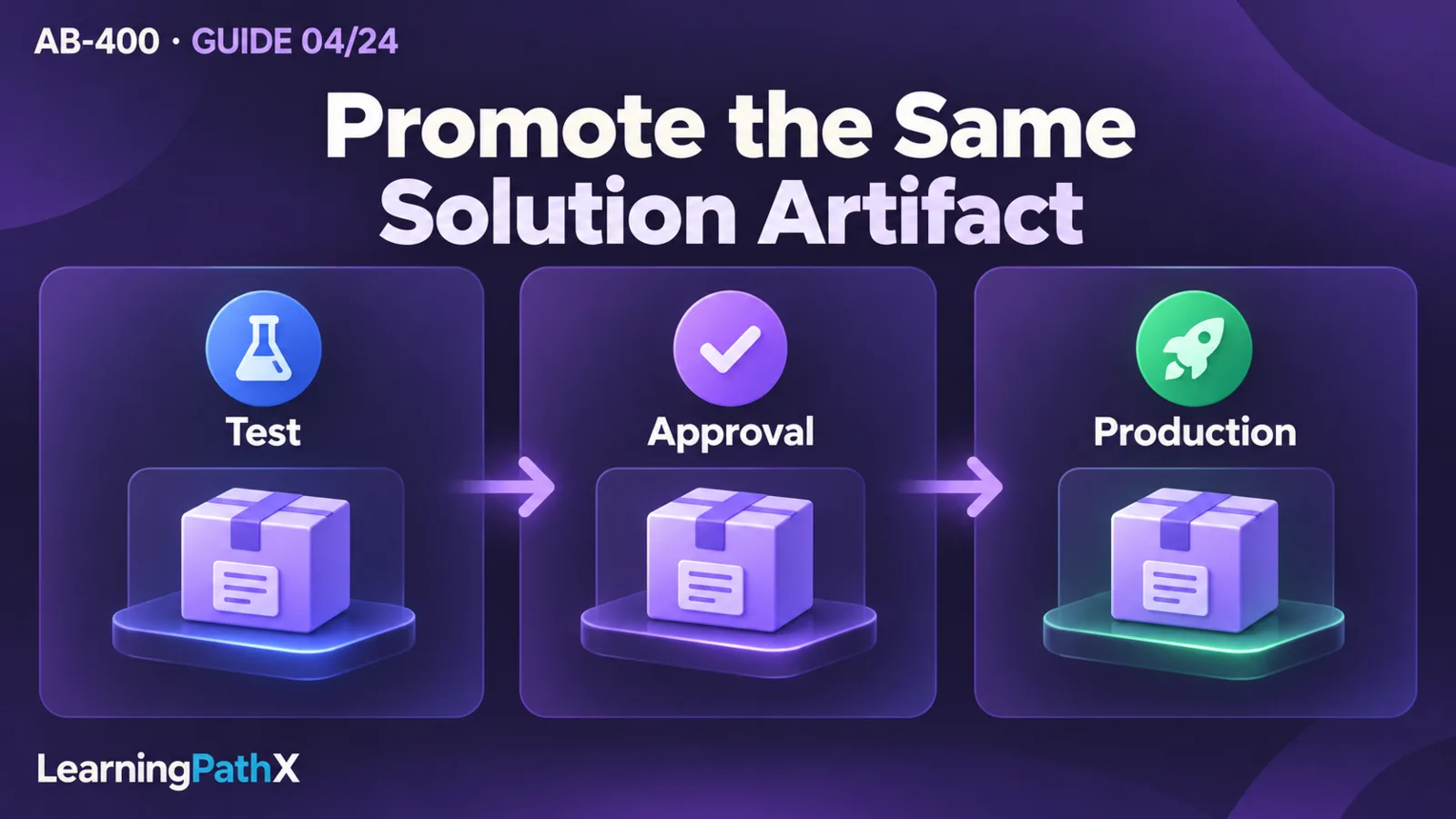
To move a Microsoft Power Platform extension across environments repeatably, capture its solution components in source control, establish dependencies and target configuration, produce a versioned release artifact, validate it in test, and promote that same artifact through the approved release path. After deployment, verify the extension's behavior under its intended identity and inspect solution layers if the installed change does not take effect. A successful import is one checkpoint in that procedure; business acceptance closes the release.
Managing solutions, pipelines and build tools therefore starts with a release contract: which components change, which prerequisites must already exist, which settings vary by environment, who deploys, and what evidence permits promotion. This guide applies to shared solution application lifecycle management (ALM), using online-service documentation verified on October 15, 2026. Code-app-specific packaging and sharing are covered in AB-400: Deploying and Troubleshooting Power Apps Code Apps.
Architecture Overview: Separate the Artifact from Its Destination
Microsoft identifies solutions as the transport mechanism for ALM and source control as the source of truth. Solutions can carry application components such as tables, apps, flows and plug-ins between environments. The participating environments need a Microsoft Dataverse database for the documented ALM capabilities. A release also depends on things outside the transported component definitions, including the destination's authorized connections and external services.
Consider an illustrative service-request extension: a Dataverse table, a model-driven app, and a cloud flow that writes an acknowledgement to a SharePoint list. Development and production must use different lists and access identities. The release should preserve the app and flow design while supplying the appropriate destination settings. Copying the production list into a hard-coded development flow would make every release a code-editing exercise.
For this example, define three acceptance boundaries before choosing tooling:
- Artifact: the reviewed table, app and flow definitions belong to one identified solution version.
- Destination: the configured connection and list selection must resolve to the intended environment's resources.
- Behavior: one permitted request produces the intended acknowledgement, while a user outside the approved access boundary cannot perform the protected operation.
These are recommended release criteria for the example, not results from an executed deployment. Keeping the three boundaries visible prevents a tool's green deployment indicator from being mistaken for evidence about data access or business behavior.
Core Components and Their Release Responsibilities
Solutions, Dependencies and Layers
Use unmanaged solutions for active development and distribute managed solutions to downstream environments. Built-in pipelines deploy managed solutions and retain exports in their host. Their prevalidation can detect missing target dependencies. For a dependency owned by another solution, plan its release order explicitly rather than relying on a developer environment where it happens to be installed.
Solution layers explain why importing the expected version can still leave unexpected behavior. Imported managed solutions form managed layers; unmanaged changes share a single unmanaged layer above them. For managed conflicts, the effective result depends on the component's last-wins or merge behavior. Inspect a specific component's layers and changed properties instead of inferring runtime behavior from the solution version alone.
In the example, suppose a test administrator edits the request form directly while diagnosing a label. A later managed release can arrive correctly while the unmanaged customization still determines the form's behavior. Record the local edit, reproduce the intended correction in development, and review the layer difference. Removing active unmanaged customizations is irreversible and can lose associated data; assess the documented impact and recovery plan before using that operation. Repeated imports do not resolve an unexamined layer conflict.
Environment Variables and Connection References
Environment variables separate configuration keys from values consumed by solution components. Include the definition in the solution and provide the destination value during deployment. A current value takes precedence over a default; exporting a development current value can therefore create an unintended destination setting. Removing that value from the solution before export leaves it available in development without transporting it.
A connection supplies authentication for a connector; a data-source environment variable supplies parameters such as a SharePoint site or list. The variable does not store the connection. Connection references provide the solution's association with the connection selected for deployment. Treat configuration selection and permission verification as separate checks: a correctly selected list does not establish that the connection identity has the intended access.
For the service-request example, maintain a small release record:
| Release input | Example decision | Evidence to collect |
|---|---|---|
| Solution version | Reviewed request-extension candidate | Artifact identity and review reference |
| Required foundation | Shared request schema prerequisite | Required version installed before deployment |
| Connection reference | Approved target connection | Selected connection and accountable owner |
| Data-source variables | Target site and acknowledgement list | Values inspected against the release request |
| Acceptance identity | Test account representing an intended user | Expected allowed and denied operations |
The names and entries are illustrative. Keep credentials out of this record. If a Secret environment variable is needed, use its documented Azure Key Vault configuration rather than treating a text variable as secret storage. Custom code must explicitly retrieve environment-variable values; defining a variable does not automatically inject it into every runtime.
How the Components Work Together: A Repeatable Release Procedure
1. Establish the Environment and Release Path
Start with distinct development and validation destinations and an agreed production approval boundary. Confirm Dataverse availability, deployment permissions, target access and applicable licensing before creating the release process. Managed environments provide premium administration capabilities; enabling one is a governance decision with licensing implications, not a substitute for the extension's authorization design. Have the administrator confirm current pipeline target requirements and entitlement for the actual environments.
For the example, designate a disposable test list and restricted test identities. Do not let a release test create acknowledgements in the live list. Agree on who can approve promotion and who owns a failed release before configuring automation.
2. Inventory Components and Prerequisites
Identify the changed components and inspect what they reference. Distinguish components delivered by this solution from prerequisites delivered by a foundation solution or provisioned outside it. For example, transporting a flow definition is different from provisioning its SharePoint list and granting access to it.
Review the solution contents against the intended change. A missing referenced component creates an incomplete package; including unrelated work makes acceptance harder to interpret. Record any prerequisite release order and stop if the target does not satisfy it. Use a target representative of production so that testing does not depend on unrelated development customizations.
3. Prepare Configuration without Rewriting the Design
Review environment-variable definitions, defaults and exported values. Map each connection reference to the approved target connection, and check the external resource selection against the destination record. Have the resource owner verify the intended access separately.
In the example, make the test list distinguishable through a harmless test marker. This makes an incorrect binding observable even when a write succeeds. It is a recommended test technique: success against the wrong list is still release failure. Retain safe evidence of the selected resource, rather than recording credentials or live customer content.
4. Capture and Validate a Candidate
Review source changes, assign a release version and retain the resulting candidate. Publish component changes that require publishing before export. Built-in pipelines do not publish unmanaged customizations automatically, so an uncommitted authoring action and an exported artifact must not be assumed equivalent.
Run the checks appropriate to the extension before promotion. For the example, inspect the changed flow action, verify the table field contract and run the request scenario in the validation environment. Record the artifact, configuration and observed result together. If a defect requires a component change, produce and validate a new candidate rather than treating the corrected design as the already-tested artifact.
5. Deploy, Accept and Promote
Submit the solution through the configured pipeline or release automation. Built-in pipelines validate target dependencies and supplied configuration before deployment, then move the exported artifact through stages in sequence without re-exporting it between stages. Solutions do not transport Dataverse table rows; plan any required business or reference data separately.
After deployment, check the installed version, target configuration and intended operation. In the example, create a marked test request, confirm one acknowledgement appears in the test list, and attempt the protected operation with the deliberately unauthorized test identity. Expected outcomes must be defined before running these checks; this article does not claim they have been executed. Preserve the release evidence and promote only after the agreed acceptance and approval succeed.
Design Considerations: Pipelines, Build Tools and Extensions
Choose built-in pipelines when a governed in-product deployment path meets the team's needs. Choose or combine Azure DevOps automation when the release must coordinate source review, compiled extensions, automated tests and other system releases. Keep one owner for each promotion decision so that two tools do not independently deploy different candidates to the same destination.
Microsoft Power Platform Build Tools supplies Azure DevOps tasks for solution operations, artifact generation, downstream deployment, environment management and Power Apps checker analysis. Version 2.0 uses the Power Platform CLI; version 1.0 uses PowerShell. Microsoft services and adds features to version 2.0, and task versions must not be mixed in one build pipeline. Standardize the version across the workflow rather than changing individual tasks opportunistically.
Build Tools requires service connections to the environments it operates on. The current documentation recommends service-principal authentication with Workload Identity Federation and requires the associated application user in Dataverse. Agree on the permissions needed for the actual tasks and protect the service connection. Static solution analysis can find issues within its rules; supplement it with tests of the extension's business behavior and external dependencies.
Built-in pipelines can be extended with Power Automate and integrated with other continuous integration and continuous delivery (CI/CD) tools. Use the supported extension hooks rather than customizing the first-party pipeline app or tables. A useful extension for the example would obtain an external release approval and associate it with the candidate's acceptance record. Define what happens when approval is denied, the approval service is unavailable, or a callback repeats. Treat those failure paths as part of release design; an unavailable optional reporting service should not silently become permission to promote.
Common Mistakes and Recovery Decisions
- Testing only whether import succeeds. Add a check of the actual operation, destination and identity. An import result does not establish the example's three acceptance boundaries.
- Repairing production directly and forgetting the source. Record emergency edits and reconcile them into the development source. Inspect layers before assuming the next managed release will replace their behavior.
- Using deployment as data migration. Define data movement and its acceptance independently from component deployment.
- Retrying a failed release without classifying it. Separate dependency failures, configuration errors, authorization failures and behavior defects. Resolve the cause and determine whether the candidate itself changed before choosing a retry.
Plan recovery before production promotion. Retain the known-good artifact and target configuration record, and assess the consequences of any schema or external-service change. Do not assume that reimporting an earlier package reverses data changes, acknowledgements already sent, or unmanaged edits. For the illustrative test, cleanup means removing marked test records and acknowledgements from the disposable resources, confirming no live destination was touched, and retaining the release evidence required by the team.
Certification Relevance
The AB-400 study guide places ALM within Build Microsoft Power Platform solutions. The useful skill is explaining how dependencies, configuration and solution layers affect a release, then selecting automation and evidence that make promotion repeatable. Practice tracing one extension from its source definition to its target behavior; memorizing tool names alone does not demonstrate that outcome.
Conclusion
A repeatable release keeps a reviewed artifact, its destination configuration and its acceptance evidence connected. Prepare dependencies first, deploy through an approved path, verify behavior under the intended identity, and investigate layers when the installed change is not the effective change. Choose pipelines and Build Tools around those controls, then make recovery and test cleanup explicit parts of the procedure.
Authoritative Sources
- Managed environments overview
- Application lifecycle management with Microsoft Power Platform
- Overview of pipelines in Power Platform
- Microsoft Power Platform Build Tools for Azure DevOps
- Use environment variables in Power Platform solutions
- Solution layers in Power Platform
- AB-400 study guide