
Introduction
To enforce a Dataverse data invariant across clients, define the rule on the server, select the message and table that carry the write, and register synchronous plug-in steps at the stage where the necessary data exists. Reconstruct the proposed row from the incoming values and a registered image, reject invalid state, and change values directly in the incoming target before persistence. Then test the registration through each supported write route, rather than assuming a form test establishes server coverage.
Dataverse plug-ins and the event execution pipeline connect code to a particular operation. A correct class with the wrong message, filtering attributes, image or execution identity is an incomplete implementation. This guide develops one example: a maintenance window whose end must follow its start. The procedure is an instructional design, checked against Microsoft documentation on October 16, 2026; its code and expected observations have not been executed in a tenant.
Place the invariant in the event execution pipeline
An invariant is a condition that must hold whenever a relevant write succeeds. In the example, both window timestamps are required and new_windowend must be later than new_windowstart. A form can help the user correct these values, but that interface cannot be the enforcement boundary for an integration that never opens the form.
Dataverse processes messages through pipeline stages. A registered step binds a plug-in class to an eligible message/table pair. The main choices are:
| Stage and mode | Placement consequence |
|---|---|
| PreValidation, synchronous | Prefer for early rejection. The initial operation normally has not entered its transaction; a nested operation can already participate in its caller's transaction. It also precedes the initial operation's permission checks. |
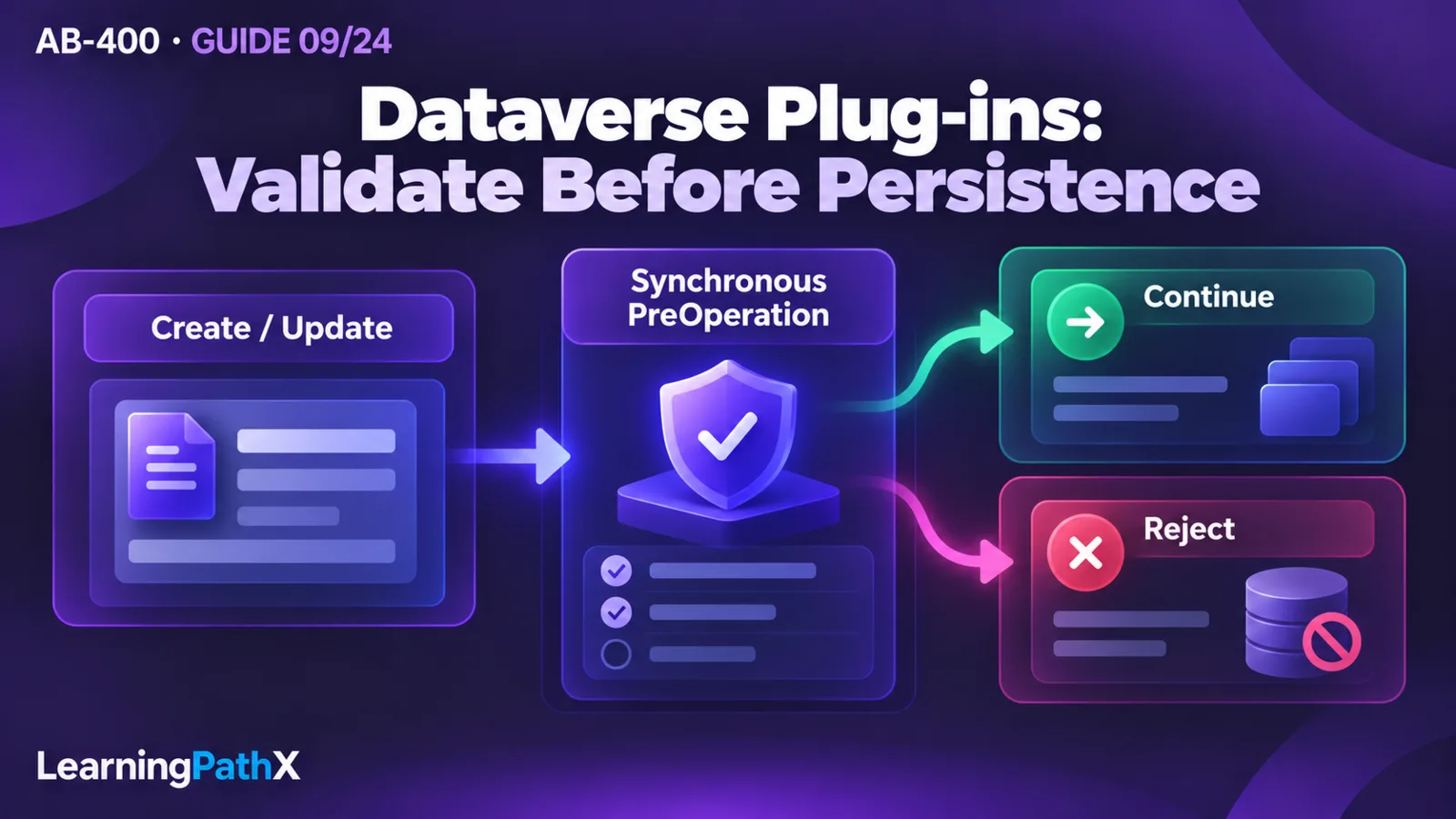
| PreOperation, synchronous | Runs before persistence, within the transaction. Use it to change incoming column values. Rejecting here incurs rollback. |
| PostOperation, synchronous | Runs after the main write within the transaction. A failure still rolls back the transaction; updating the same row starts another Update event. |
| PostOperation, asynchronous | Runs later, outside the original transaction. It cannot refuse a write that has already completed. |
MainOperation is generally platform-owned; it is not the placement for this event-bound validator. Custom API implementation is outside this guide.
For this example, choose synchronous PreOperation for both Create and Update. The deliberate tradeoff is to validate the proposed window alongside other pre-save transformations, accepting rollback cost on failure. If the application has an independent, inexpensive rejection check, consider a separate PreValidation step. Establish an explicit order if another step supplies or normalizes a timestamp, and make the invariant check run after that transformation. Do not let a later step undo its result.
This design enforces a row-local condition. It does not establish a cross-row scheduling constraint such as “no two maintenance windows overlap.” That requires a separately designed concurrency strategy; a query followed by a decision is not, by itself, proof against competing writes.
Understand the components before implementing the rule
The class and execution context
A plug-in class implements IPlugin.Execute. Dataverse supplies its services through IServiceProvider. Keep invocation data in local variables: instances can be reused, so storing the current row or service in mutable instance fields risks carrying one invocation's state into another.
The execution context identifies the message, stage and table, and exposes collections such as InputParameters, PreEntityImages and PostEntityImages. The parameter contract depends on the message: do not assume every Target is an Entity. For Create and Update in this example, it is an Entity containing the submitted values.
Treat an Update target as a patch, rather than a complete row. An absent timestamp means “not supplied by this request”; an explicitly supplied null means “clear it.” Resolve each relevant value from the target first, falling back to the pre-image only when the column is absent. This distinction prevents an apparently defensive fallback from silently accepting a prohibited clear operation.
The image contract
Register an Update pre-image named BeforeWindow, selecting only new_windowstart and new_windowend. The image supplies the unchanged half of the window when a caller sends just one timestamp. Image aliases are configuration contracts with the code. A missing alias should produce a deployment/configuration failure, not an invented default date.
A Create has no previous row and therefore no pre-image. Post-images belong to PostOperation; a Delete has no post-image. These are snapshots at pipeline points, not instructions to retrieve the whole row again.
The Organization service and execution identity
Use the Dataverse software development kit (SDK) for .NET for plug-in data operations. The Organization service supports message-based operations, including create, retrieve, update and delete. Obtain IOrganizationServiceFactory from the supplied service provider and create the service with the intended user context; this is not an external client sign-in flow. Microsoft does not support calling the Dataverse Web API from inside a plug-in.
The following service acquisition pattern uses the step's effective user:
var factory = (IOrganizationServiceFactory)serviceProvider.GetService(
typeof(IOrganizationServiceFactory));
var service = factory.CreateOrganizationService(context.UserId);
The registration defaults to Calling User. Changing Run in User's Context can change the privileges of operations the plug-in initiates. For this example, keep Calling User and avoid unnecessary service calls entirely. If a later requirement needs privileged related-row writes, document that trust decision and test a restricted caller. Elevating the step simply to eliminate an authorization error can hide a security design defect.
Implement the proposed-row check
Use a development environment and a disposable standard table named new_maintenancewindow with Date and Time columns new_windowstart and new_windowend. The example assumes the environment's column configuration and callers already supply comparable timestamps under one agreed time convention. Choosing and validating that convention is a prerequisite; the plug-in performs no timezone conversion. Do not reuse the comparison across columns with different time semantics.
Prepare a supported .NET Framework plug-in project with the Dataverse SDK references. The example below is a source file to include in that project, not a complete project, deployment script or evidence of successful compilation. Check the current tooling requirements when creating the project.
using System;
using Microsoft.Xrm.Sdk;
public sealed class ValidateMaintenanceWindow : IPlugin
{
public void Execute(IServiceProvider serviceProvider)
{
var context = (IPluginExecutionContext)serviceProvider.GetService(
typeof(IPluginExecutionContext));
var trace = (ITracingService)serviceProvider.GetService(
typeof(ITracingService));
bool isCreate = context.MessageName == "Create";
bool isUpdate = context.MessageName == "Update";
if ((!isCreate && !isUpdate) || context.Stage != 20 ||
context.PrimaryEntityName != "new_maintenancewindow")
return;
if (!context.InputParameters.Contains("Target") ||
!(context.InputParameters["Target"] is Entity))
throw new InvalidPluginExecutionException(
"The maintenance window validator is misconfigured.");
var target = (Entity)context.InputParameters["Target"];
Entity before = null;
if (isUpdate)
{
if (!context.PreEntityImages.Contains("BeforeWindow"))
{
trace.Trace("Missing BeforeWindow pre-image.");
throw new InvalidPluginExecutionException(
"The maintenance window validator is misconfigured.");
}
before = context.PreEntityImages["BeforeWindow"];
}
object startValue = Resolve(target, before, "new_windowstart");
object endValue = Resolve(target, before, "new_windowend");
if (!(startValue is DateTime) || !(endValue is DateTime))
throw new InvalidPluginExecutionException(
"Provide both a window start and a window end.");
if ((DateTime)endValue <= (DateTime)startValue)
{
trace.Trace("Rejected non-positive maintenance window.");
throw new InvalidPluginExecutionException(
"Window end must be later than window start.");
}
}
private static object Resolve(Entity target, Entity before, string name)
{
if (target.Attributes.Contains(name))
return target[name]; // Preserve an explicit null.
if (before != null && before.Attributes.Contains(name))
return before[name];
return null;
}
}
Stage 20 represents PreOperation. The helper is stateless and returns the incoming value even when it is null. For a Create, both values must therefore come from the request. For an Update, a new end is compared with either the submitted start or the old start. A stored null remains invalid.
The class deliberately performs no normalization of the timestamps: changing an end date to make an invalid request pass would change the business meaning. If a separate requirement normalizes a text column, assign that column on target in PreOperation. Calling service.Update(target) to persist the same incoming row adds another operation where the original operation already supplies the write.
Register the smallest complete execution contract
In the Plug-in Registration Tool, connect to the intended development environment, register the compiled assembly using the online SandBox and Database defaults, and select the class. Define these two steps:
| Setting | Create step | Update step |
|---|---|---|
| Message / Primary Entity | Create / new_maintenancewindow | Update / new_maintenancewindow |
| Stage / mode | PreOperation / Synchronous | PreOperation / Synchronous |
| Filtering Attributes | Not applicable | new_windowstart, new_windowend |
| Pre-image | None | BeforeWindow: the two timestamp columns |
| Execution identity | Calling User | Calling User |
| Execution Order | An explicit value agreed with neighboring steps | An explicit value agreed with neighboring steps |
Filtering attributes mean a selected column is present in the request, not that its value differs. Exclude the primary key from the filter. Avoid relying on equal execution-order values for dependent logic. Add both assembly and steps to the intended solution; adding the assembly alone does not automatically include its steps.
These settings implement the assumed change boundary: unrelated updates do not affect the window. If another extension changes window fields during unrelated updates, revisit the filter and ordering contract, or the invariant may escape this check. Repair existing invalid rows before enabling that contract; a narrow Update filter is not a retrospective data-quality scan.
Record the registration alongside the source change. In a review, a screenshot of the class is less useful than evidence that the table, message, image alias, selected columns, stage, mode, identity and order match the implementation. Recheck those settings after moving the solution to another development or test environment.
Verify acceptance, failure and operational cost
Use at least one app client and one independent API or automation client with the intended permissions. Submit equivalent operations and compare the persisted row and returned failure, rather than expecting identical user-interface dialogs. Confirm that every supported write path actually reaches the intended registered message/table pair. The guarantee is bounded by enabled registrations and those tested paths; “server-side” alone is not evidence that all possible operations have been covered.
These are expected observations for the example, not executed test results:
| Operation | Expected observation and reason |
|---|---|
| Create with start 09:00 and end 10:00 | Succeeds; both required values satisfy the rule. |
| Create with equal timestamps, reversed timestamps or a missing end | Fails; no row from that Create persists. |
| Update only the end to precede the stored start | Fails; the image supplies the start for comparison. |
| Update only the start to follow the stored end | Fails; the same overlay rule applies in the other direction. |
| Update both timestamps to a valid later window | Succeeds; new values are compared with each other. |
| Explicitly clear either timestamp | Fails; the resolver preserves null rather than recovering the old value. |
| Submit an unchanged timestamp | The step is eligible to run; an already valid window remains valid. |
| Update an unrelated column on a previously valid row | The filtered step does not run. |
| Remove the Update pre-image in the development environment | A relevant update fails with a configuration error; restore the image afterward. |
Also exercise a restricted user and the actual integration identity. A successful administrator test says little about ordinary callers. For changes involving other plug-ins, test the complete ordered chain, including a legitimate nested operation. Rejecting all nested invocations with a blanket depth guard can skip a real business write. Prefer removing unnecessary same-row updates, checking whether relevant values changed, and ensuring repeated invocation produces the same decision. Do not depend on undocumented parent-context details to recognize an application path.
Diagnose before changing the rule
Obtain ITracingService for bounded diagnostic messages. With tracing enabled, Plug-in Trace Log records can survive transaction rollback, which helps distinguish a rejected operation from a step that never ran. Synchronous errors and asynchronous system jobs expose different diagnostic experiences. Trace logging consumes storage; use the appropriate Off, Exceptions or All setting for the investigation, and restore the previous setting afterward.
For this example, trace rule identifiers and missing registration inputs. Do not log actual schedules, credentials or whole context payloads. Trace access is permission-dependent, so a blank message field does not necessarily mean no code executed. Preserve enough evidence to correlate a failed request with its step without spreading business data into logs.
If a relevant update succeeds incorrectly, inspect the registration first: correct environment, enabled step, message, table and filters. If it fails only for one client, inspect that client's submitted columns and identity. If the comparison fails unexpectedly, inspect image selection, explicit null handling and timestamp semantics. If nested calls repeat, inspect the write chain before adding another early return.
Keep synchronous work short because the caller waits for the entire synchronous pipeline. This rule needs no extra retrieve: the image supplies its comparison data. Adding a remote service call or an unrelated search to the same validation step would increase latency and enlarge the failure surface without improving the window comparison. Measure the actual workload before accepting that cost.
After testing, remove disposable rows and disable or remove only the example's custom steps if abandoning the exercise. Restore modified images and tracing settings. In a retained implementation, keep the invariant enabled and move changes through the solution process; do not leave a temporary bypass as the resolution to a failed test.
Certification relevance and design boundary
The selected AB-400 scope places plug-in implementation within Extend Microsoft Power Platform. The useful skill is explaining how the registration and code together determine behavior: which state is visible, which identity performs additional data operations, and whether failure can still prevent persistence. This is implementation guidance, not assessment content or a claim of complete exam coverage.
Custom API contracts, business events and outbound managed identity are developed in AB-400: Custom APIs, Business Events and Plug-in Identity. External delivery belongs to AB-400: Publishing Dataverse Events to External Services. Neither should be added to this save-time validator merely to make one plug-in handle every integration concern.
Conclusion
A dependable invariant is a tested contract between the rule and the registration. Define the valid state, choose the transactional placement, reconstruct partial updates without losing explicit nulls, and verify both successful and rejected writes through the actual clients. The maintenance-window example keeps that contract small enough to inspect, while exposing the image, identity, filtering and recursion decisions that determine whether it holds.
Authoritative Sources
- AB-400 study guide
- Event framework in Microsoft Dataverse
- Use the SDK for .NET
- Write a Dataverse plug-in
- Understand execution context in Dataverse
- Register a plug-in
- Logging and tracing for Dataverse plug-ins