
Introduction
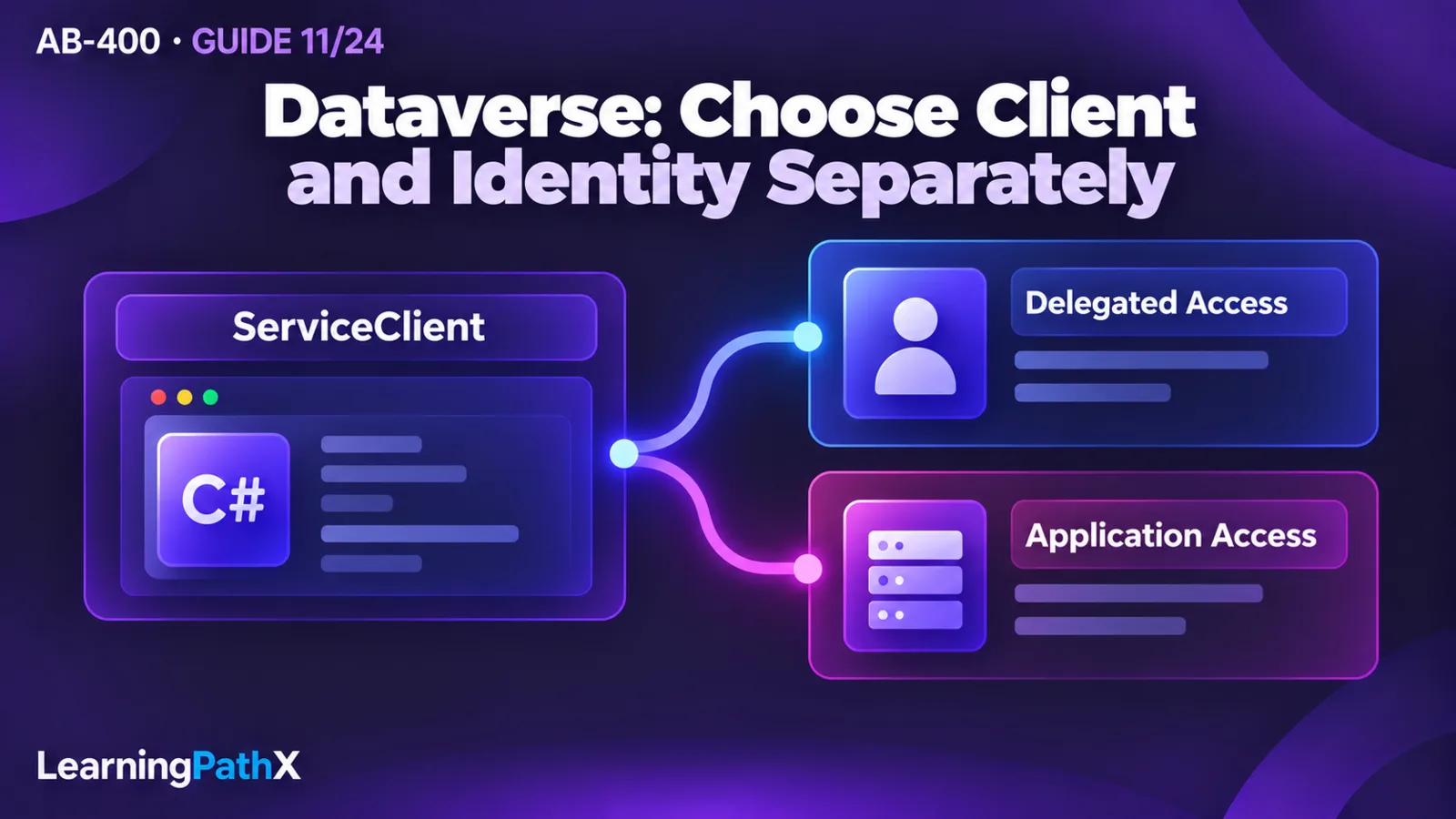
Choose Dataverse API clients and OAuth authentication separately: use the Dataverse Web API for portable HTTP applications and browser access, prefer the SDK for .NET with ServiceClient when a .NET application benefits from Dataverse message classes, and consider the Dataverse SDK for Python for Python-native data work. For identity, choose delegated access when the operation belongs to a signed-in user; choose application access with a Dataverse application user for an unattended service. A programming language does not decide which identity is appropriate.
Start by asking two questions: where does the code execute, and whose authority should the operation exercise? An existing model-driven app has a hosted client surface; an independent browser application needs its own authentication integration. A scheduled service needs an identity that survives the end of an interactive session. This guide turns those distinctions into a selection framework, a minimal connection check and a diagnostic sequence for Microsoft Power Platform online services as documented on October 15, 2026.
Choose the client from the execution environment
| Workload | Starting choice | Decision consequence |
|---|---|---|
| JavaScript inside a model-driven app | The host's Xrm.WebApi surface | Keep data calls within the supported application context. |
| Independent browser application | Dataverse Web API and delegated authentication | Treat app registration and sign-in as part of the application design. |
| External .NET application | SDK for .NET with ServiceClient, or Web API | Choose message classes and SDK integration versus direct HTTP control. |
| Python application | Dataverse SDK for Python, or direct Web API requests | Choose Python convenience versus ownership of HTTP request construction. |
| Unattended service in any language | A compatible client with application authentication | Establish the service principal's Dataverse application user and roles. |
The first four rows select a programming surface; the last selects an identity pattern that can accompany more than one surface. For example, a .NET administrative tool operated by a person and a .NET scheduled integration can use the same client class while requiring different authentication configuration.
As a design recommendation, choose the narrowest supported surface that fits the host and required operations. Avoid adding a second connection mechanism merely because a tutorial uses a different language. Write down the selected client, environment, acting identity and first allowed operation before implementing the full workflow.
Understand the components behind a Dataverse request
Web API and Organization service
The Dataverse Web API uses Open Data Protocol (OData) version 4.0 and HTTP. It supports data and metadata operations across languages. The Organization service defines Dataverse operations as messages; Web API data operations ultimately use that underlying service. Changing clients therefore changes how code expresses a request, rather than creating a separate business-data platform.
Basic create, retrieve, update and delete operations use POST, GET, PATCH and DELETE respectively in the Web API. Other operations can be exposed as named actions or functions. This distinction matters when reading documentation: a message name does not necessarily become a same-named HTTP endpoint.
SDK for .NET
The SDK for .NET exposes IOrganizationService and request/response classes. For example, a CreateRequest sent through Execute produces a CreateResponse. New external applications should use ServiceClient, available through Microsoft.PowerPlatform.Dataverse.Client; it uses Microsoft Authentication Library (MSAL) for authentication. An application can alternatively use the Web API directly when it does not need the SDK's classes.
Microsoft documents the legacy 2011 SOAP endpoint as deprecated while continuing to support the SDK programming model through updated assemblies. Do not interpret that endpoint notice as a reason to abandon supported SDK code. Conversely, avoid implementing a new raw SOAP transport around old endpoint assumptions.
Plug-ins are a different execution setting: they use the required .NET Framework and SDK inside Dataverse. Do not transplant an external client's sign-in procedure into plug-in code. The connection decision here concerns an application calling Dataverse from outside that execution context.
Dataverse SDK for Python
The Python SDK supports create, retrieve, update and delete operations, OData retrieval options and paging. Its authentication integration accepts Azure Identity credentials exposing get_token(). This provides a useful boundary: choose a credential appropriate to the host, then supply it through the documented SDK integration rather than inventing a parallel token mechanism.
As an implementation recommendation, pin and review the SDK version used by the application and verify its constructor and method signatures before copying examples. This guide deliberately does not invent Python method names or imply that every capability has an identical .NET counterpart. A team choosing direct HTTP instead should budget for request construction, response parsing and authentication integration explicitly.
Choose delegated or application authority
OAuth uses Microsoft Entra ID as the identity provider for Dataverse. Use MSAL when implementing token acquisition directly. Delegated access acts for an authenticated user and uses the configured Dataverse delegated permission. Server-to-server access uses a registered application bound to a Dataverse application user; the OAuth documentation describes certificates or client secrets for this pattern. It does not require the delegated permission used for user access.
For token requests, Microsoft distinguishes the environment resource scope ending in /user_impersonation for a public client from the environment resource scope ending in /.default for a confidential client. Acquire a token for the intended Dataverse environment and attach it as a bearer token to Web API requests. Let the authentication library handle token caching and renewal rather than assuming a token remains valid indefinitely.
Recommended credential handling follows the execution boundary: never ship a service's client secret or private key in browser code, source control or diagnostic output. Keep service credentials in controlled host configuration or an appropriate secret store. Prefer a supported credential approach that avoids embedded passwords; do not copy username/password samples into a new service simply to remove a sign-in prompt.
Complete the environment-side setup
An Entra app registration alone does not complete application access. In the target environment's Power Platform admin center settings, open Users + permissions, then Application users. Create an application user for the selected registration, choose its business unit and assign the intended security roles. Microsoft permits one application user per registered application within an environment. Check the application's ID, state and assigned roles when diagnosing that mapping.
As a practical recommendation, use a role designed for the workload. A service that reads a reference table should not receive an administrator role just to make a connection test pass. An application user is an environment-specific authorization configuration, so include it in the deployment checklist for each destination environment.
For delegated access, use the user's intended access as the acceptance boundary. If the requirement is to preserve each operator's permissions, replacing delegated access with a broadly privileged service identity changes the requirement and deserves an explicit design decision.
Prove the connection before building the integration
Use an isolated development environment, authorized test identities and nonsensitive test data. The following sequence is a recommended diagnostic exercise, with expected observations rather than claimed execution results:
- Record the target environment, selected client and expected acting identity. For application access, confirm the environment's application-user mapping and role assignment first.
- Acquire credentials through the selected library or client. Keep tokens and credential values out of logs.
- Make a small identity request. The OAuth documentation demonstrates the WhoAmI function; with a configured Web API base address, its relative request is GET WhoAmI.
- Compare the returned identity with the intended caller. A successful request under the wrong test account is a failed acceptance check.
- Read one approved test row, requesting only the fields needed for the exercise. Successful identity discovery alone is insufficient evidence that the workload can access its required business data.
- If the workload requires writes, create a disposable test row and record its identifier. Read it back, update one permitted value, then remove only that test row using the selected client's documented operations.
For a read-only service, omit the write sequence and verify the intended denial of writes instead. For a write-capable service, use a separate restricted test identity to check that prohibited operations remain prohibited. Keep cleanup limited to the disposable records and credentials created for the exercise; do not delete an existing shared app registration.
Diagnose the stage that failed
Treat this as an investigation order, not a promise that one error code always identifies one cause:
| Observation | Next evidence to collect | What to avoid |
|---|---|---|
| Token acquisition fails before any Dataverse request | Authentication-library error, tenant and registration settings, credential validity or interactive sign-in requirements | Changing table permissions to fix a failure that occurs before Dataverse is contacted |
| A token is acquired but the identity probe fails | Intended environment, resource/scope configuration, transmitted authorization header and application-user mapping | Assuming token issuance proves environment access |
| Identity probe succeeds but a data operation fails | Actual caller, application-user state/roles where applicable, requested table and operation, Dataverse response details | Replacing least-privilege roles with administrator access as the permanent fix |
| Calls work in development but fail after deployment | Destination environment mapping and roles, deployed configuration and host credential availability | Assuming environment-specific setup moved with the application code |
Capture the stage, sanitized error details and relevant request identifier if available. Do not paste bearer tokens into a shared troubleshooting conversation. Once the intended caller can perform the intended basic operation, connection diagnosis has reached its outcome. Throughput, transaction boundaries, retries and asynchronous completion require the separate execution analysis in AB-400: Reliable Dataverse Bulk and Background Operations.
Apply the decision to a realistic workload
Consider a support organization with a browser screen for operators and a nightly reference-data reader. This is an illustrative design, not an executed deployment. The browser action should reflect the operator's authority, while the scheduled reader needs its own stable service identity. Choosing Python for the reader does not justify storing an operator's password or sharing the browser session.
A useful design record would therefore state: hosted client API or independent Web API for the screen, delegated user access for operator actions, and Python SDK or Web API with an application user for the reader. Acceptance evidence would include the expected identity, an allowed read and a denied operation beyond the reader's role. The result is a reviewable connection contract before anyone designs a synchronization algorithm.
Conclusion
Choose the client from the host and programming needs, then choose the authority from the business operation. Prove both with a small identity check and an authorized data operation. That gives subsequent reliability and synchronization work a known caller, a known environment and a tested access boundary.
Authoritative Sources
- Use OAuth authentication with Microsoft Dataverse
- Use the Microsoft Dataverse Web API
- Use the SDK for .NET
- Dataverse SDK for Python overview
- Manage application users