
Introduction
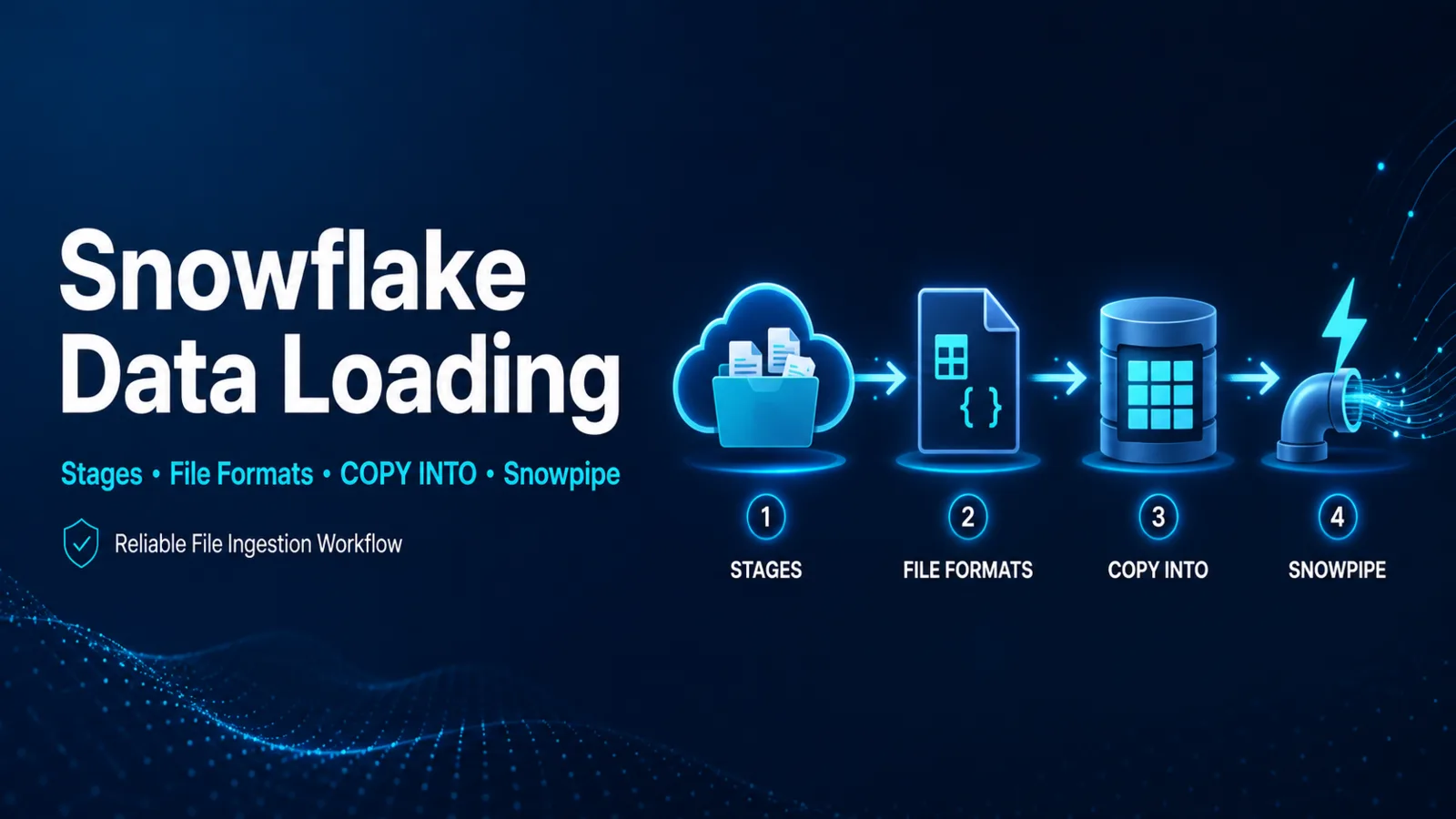
Reliable Snowflake loading begins by separating four responsibilities: where files arrive, how their bytes should be interpreted, which ingestion mechanism should process them, and what evidence proves the load succeeded. Stages, file formats, COPY INTO <table>, and Snowpipe address those responsibilities for file-based ingestion.
The File-loading Model
A stage identifies a location for data files. Internal stages store files managed within Snowflake; external stages refer to supported cloud storage. Named stages are securable schema objects and are generally easier to govern and reuse than embedding storage details in every statement.
A file format defines parsing behavior such as file type, delimiters, field enclosure, null handling, compression, and format-specific options. Named file formats reduce repeated inline settings and configuration drift.
The target table defines the data types and constraints expected after parsing. A successful stage listing does not prove that values can be converted into the target columns.
Bulk Loading with COPY INTO
COPY INTO <table> loads staged files into a Snowflake table. A representative lab statement is:
COPY INTO analytics.raw.orders
FROM @analytics.ingest.orders_stage/incoming/
FILE_FORMAT = (FORMAT_NAME = 'analytics.ingest.orders_csv')
ON_ERROR = 'ABORT_STATEMENT';
This example assumes the role has the required privileges, the named stage and file format already exist, and the target table matches the incoming fields. ON_ERROR is a business control, not merely a syntax choice. Continuing past bad rows can be acceptable for a tolerant feed but dangerous for financial or regulatory data.
Before a production load, validate representative files and inspect staged names. Snowflake supports selecting explicit file lists, paths or prefixes, and regular-expression patterns. Discrete file lists can be efficient but have documented limits, so large recurring pipelines normally use durable path conventions and ingestion state.
Continuous File Loading with Snowpipe
Snowpipe loads files as they become available in a stage using Snowflake-managed compute. A pipe contains the load statement. Cloud event notifications or supported REST calls make files available for ingestion, depending on the design.
Snowpipe is file based. Snowpipe Streaming is a separate capability for continuous row-level ingestion without staging data files first. Choosing between bulk COPY, Snowpipe, and Snowpipe Streaming depends on latency, volume, operational ownership, source behavior, and cost.
For Snowpipe REST endpoints, Snowflake documents key-pair authentication and recommends a separate least-privilege user and role. An ingestion identity should not share interactive administrator credentials.
Validation and Load Evidence
A reliable workflow records evidence at each boundary:
- Confirm that the expected files exist in the intended stage path.
- Validate parsing and conversion with representative data.
- Execute the bulk copy or confirm the pipe is active and receiving events.
- Review command output and load-history interfaces.
- Reconcile accepted and rejected rows with the source manifest.
- Confirm downstream freshness before moving or deleting source files.
Common evidence sources include LIST, copy command output, COPY_HISTORY, pipe status, load error details, target row counts, and application-level reconciliation. Retention and latency differ by interface, so select the view that fits the incident window.
Security and Cost Considerations
- Prefer storage integrations and documented trust relationships over embedded long-lived cloud credentials.
- Grant stage, file-format, table, pipe, and warehouse privileges only to the ingestion role that requires them.
- Separate development and production stage paths.
- Restrict sensitive data exposure in error records and diagnostic exports.
- Account for warehouse credits for bulk COPY and Snowflake-managed ingestion charges for serverless services.
Common Loading Failures
Files are visible but no rows load
Check whether the files were already recorded as loaded, whether the path or pattern selects them, and whether the target table and file format match. Do not recreate the pipe before inspecting its status and history.
Values fail conversion
Compare file-format options, column order, transformation expressions, and target data types. Sample validation should reproduce the parsing boundary before any broad error-tolerance change.
Snowpipe is delayed
Confirm that cloud events reach the configured notification integration, the pipe is not paused, the stage path matches the pipe, and load history contains the filenames. Upload success alone does not prove event delivery.
Certification Relevance
COF-C03 includes data loading and transformation. The essential skill is to choose the correct mechanism, trace stage-to-table dependencies, and validate the load with operational evidence.
Authoritative Sources
Conclusion
Stages locate files, file formats define interpretation, COPY INTO <table> handles controlled bulk loading, and Snowpipe automates continuous file ingestion. Build the workflow around least privilege, explicit error policy, and reconciled load evidence.