
Introduction
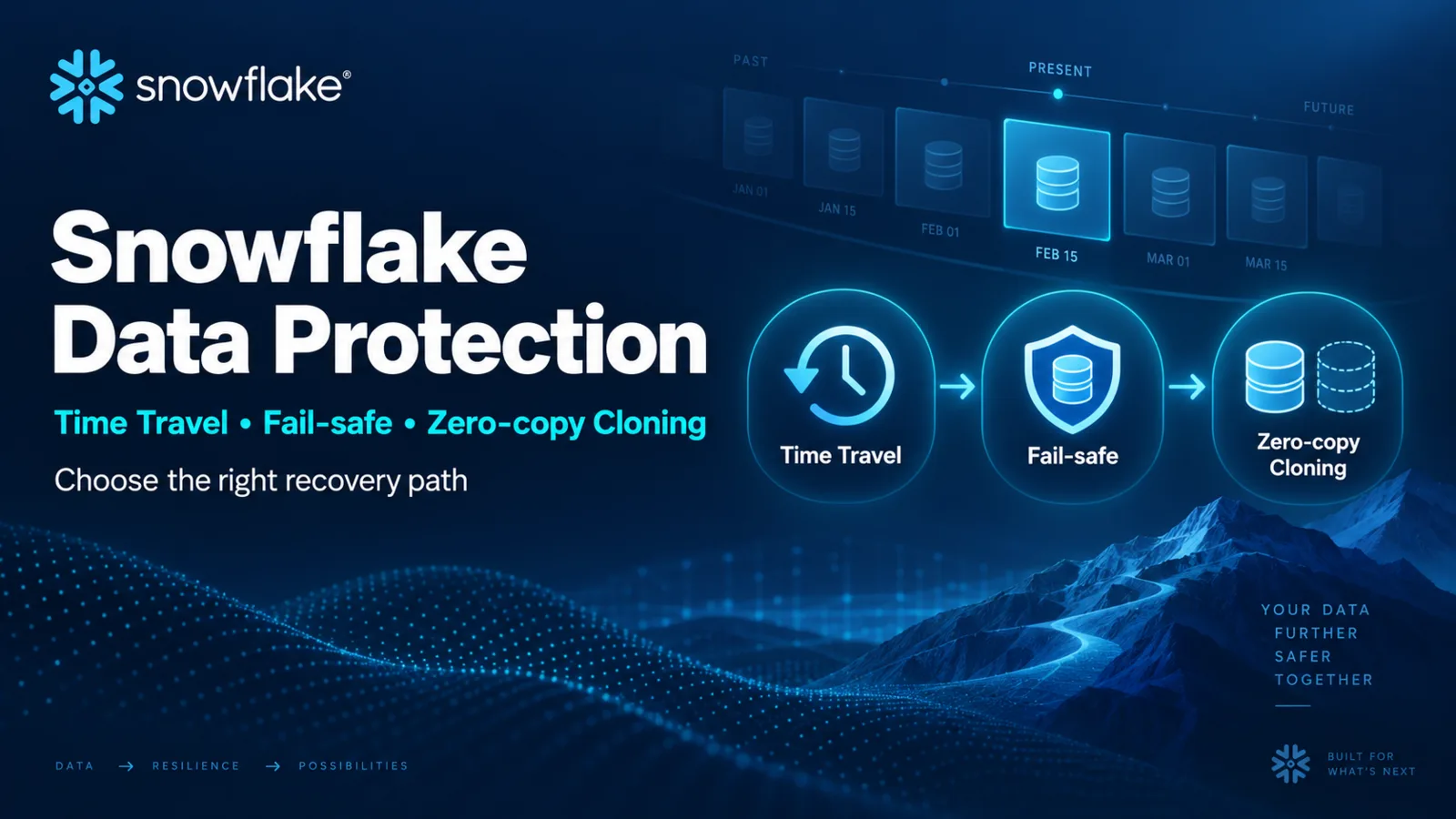
Snowflake Time Travel, Fail-safe, and cloning all interact with historical data, but they serve different operators and outcomes. Time Travel supports customer-controlled historical queries, cloning, and restoration within retention. Fail-safe is a Snowflake-operated recovery service after Time Travel ends. Zero-copy cloning creates writable logical copies that initially share existing micro-partition storage. None of these features removes the need for explicit recovery objectives and cross-account continuity planning.
Protection Architecture
Time Travel
Time Travel retains historical versions after data changes or objects are dropped. Within the configured and supported retention period, authorized users can query data at a previous time, create a clone from historical state, or restore supported dropped objects.
The current Snowflake overview states that standard Time Travel is one day and extended retention up to 90 days requires Enterprise Edition. Actual maximums and defaults vary by object type, table type, edition, and configuration. Verify those boundaries before writing a recovery procedure.
Time Travel consumes additional storage when changed or deleted data must be retained. Longer retention improves the recovery window but increases the amount of historical data that can remain billable.
Fail-safe
Fail-safe begins after the Time Travel retention period for eligible permanent objects. It is designed for Snowflake to perform best-effort recovery in exceptional circumstances. Customers cannot query Fail-safe data or use it as an ordinary backup interface.
Fail-safe should not be the first recovery plan. Use Time Travel for supported user-operated recovery inside retention, and contact Snowflake Support only when the incident and eligibility justify Fail-safe recovery.
Zero-copy cloning
A clone is a new object whose initial state references existing micro-partitions rather than copying all data immediately. Changes to either source or clone create independent storage over time through Snowflake's copy-on-write behavior. A clone is writable and has its own object identity.
Cloning does not automatically preserve every property or grant in the same way. Snowflake documents specific privilege behavior for database, schema, table, pipe, and other clones. Validate ownership, copied child-object grants, COPY GRANTS support, policies, streams, tasks, and integrations before treating a clone as a complete environment duplicate.
Recovery Decision Flow
- Identify the affected object, account, time, and failure action.
- Stop ongoing writes if they would destroy useful evidence or complicate reconciliation.
- Confirm object type, edition, retention setting, and the earliest recoverable timestamp.
- Use a historical query to validate that the required state exists.
- Prefer a clone for investigation or comparison when direct restoration could overwrite current state.
- Reconcile the recovered state and apply a controlled repair.
- If Time Travel is unavailable, determine whether eligible data may be in Fail-safe and engage Snowflake Support.
- Validate dependent grants, tasks, streams, views, and applications after recovery.
Warning: UNDROP, replacement, and data repair can alter production state. Test the exact recovery path against a clone or non-production object and preserve an audit record.
Cloning for Development and Testing
Cloning can create fast development or test environments without an immediate full copy of unchanged table storage. Cost remains a lifecycle concern: as source and clone diverge, changed micro-partitions require independent storage. Long-lived clones can also retain historical dependencies.
A clone should have an owner, purpose, expiration date, access review, and data-classification decision. Production data cloned into a lower environment remains sensitive even if no physical bulk copy occurred at clone creation.
Common Mistakes
- Calling Fail-safe a customer backup or interactive restore feature.
- Assuming every object supports the same retention period.
- Treating a zero-copy clone as cost-free for its entire lifetime.
- Restoring directly over production before validating historical state.
- Assuming all grants and dependent objects behave identically after cloning.
- Keeping clones indefinitely without storage and access review.
- Using Time Travel as the only business-continuity strategy for account or region loss.
Certification Relevance
COF-C03 includes data protection. Practical knowledge means selecting Time Travel, cloning, or Snowflake-assisted Fail-safe recovery according to the operator, time window, object eligibility, and required evidence.
Authoritative Sources
Conclusion
Time Travel is the primary user-operated historical recovery window, Fail-safe is a Snowflake-operated last-resort service, and cloning creates an independent logical object from shared historical storage. Recovery design must connect these mechanics to retention, access, cost, and validation.