
Study & Preparation
DP-600 Power BI Storage Modes and Composite Models Explained
About this video
Choosing the right storage mode is one of the most important design decisions when building Power BI semantic models in Microsoft Fabric. In this video, we break down the storage architecture concepts tested in the DP-600 Microsoft Certified: Fabric Analytics Engineer Associate exam, including Import Mode, DirectQuery, Dual Mode, Composite Models, and Large Model Storage Format. You’ll learn how enterprise teams evaluate storage decisions using five key factors: - Query responsiveness - Data freshness requirements - Capacity memory constraints - Source system workload - Required modeling features We’ll explore: - Import Mode for fast in-memory analytics with VertiPaq - DirectQuery Mode for source-current data access scenarios - Dual Mode for shared dimensions in composite models - Composite Models combining cached and live data patterns - Large Model Storage Format for large semantic model management We’ll also discuss common architecture mistakes, including: - Choosing DirectQuery without testing source performance - Using complexity when Import would satisfy requirements - Confusing Large Model Storage Format with Direct Lake - Ignoring peak concurrency validation For DP-600 preparation, the goal is not memorizing storage modes. It is understanding the trade-offs behind each architecture choice. This guide focuses on the reasoning required to design scalable, performant, and maintainable Microsoft Fabric semantic models. #DP600 #MicrosoftFabric #PowerBI
Keep watching
 10:25
Study & Preparation
DP-600 Microsoft Fabric Analytics Engineer Certification Guide
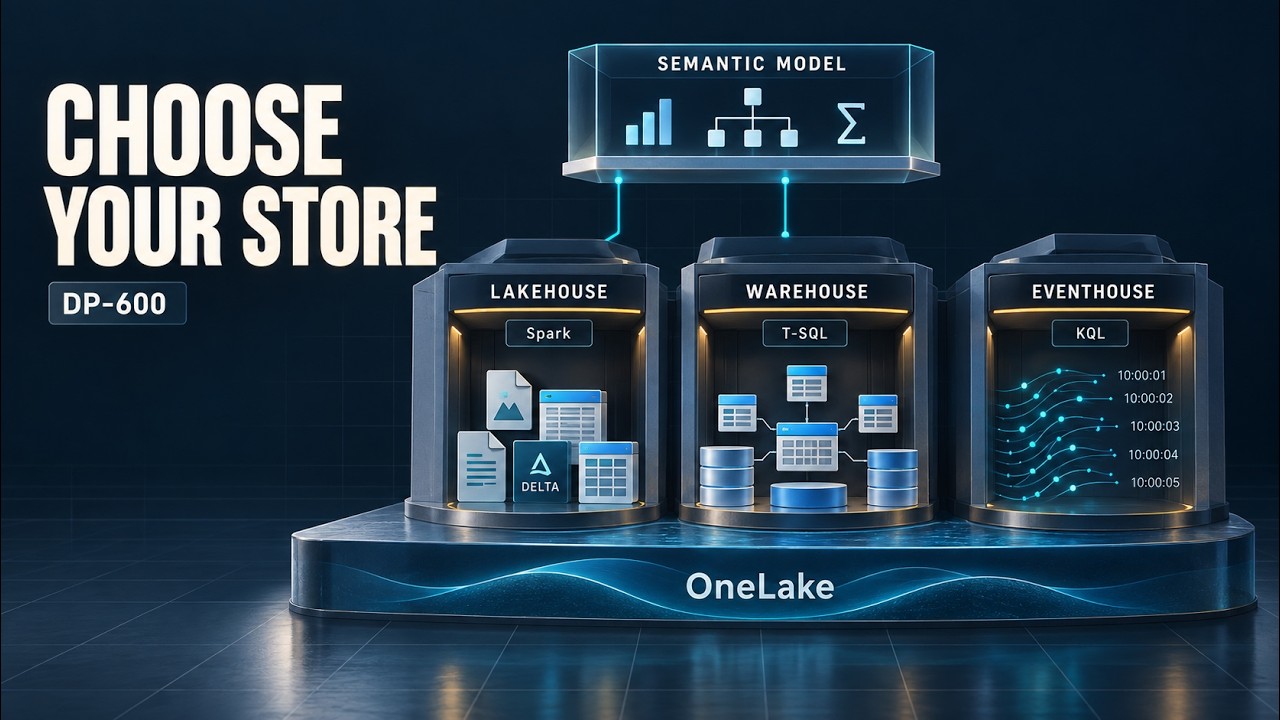 8:15
Study & Preparation
DP-600 Microsoft Fabric Lakehouse vs Warehouse vs Eventhouse Explained
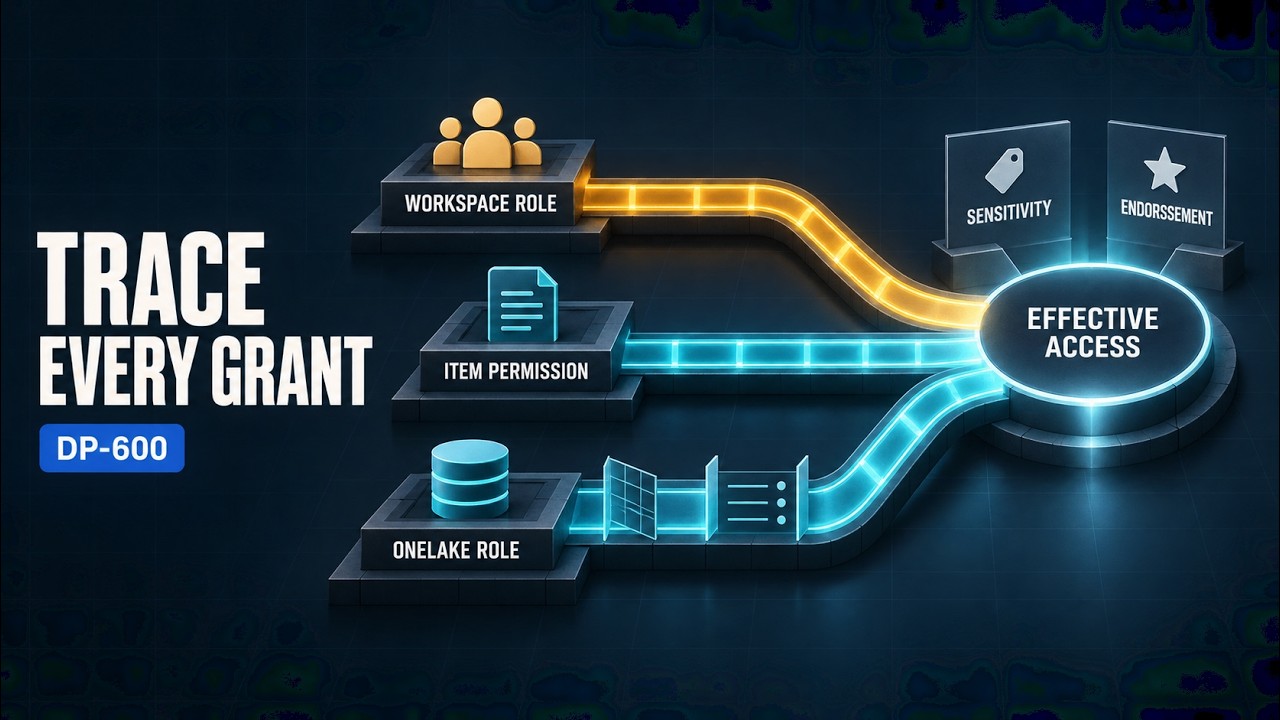 9:08
Study & Preparation
DP-600 Microsoft Fabric Security and Governance Explained
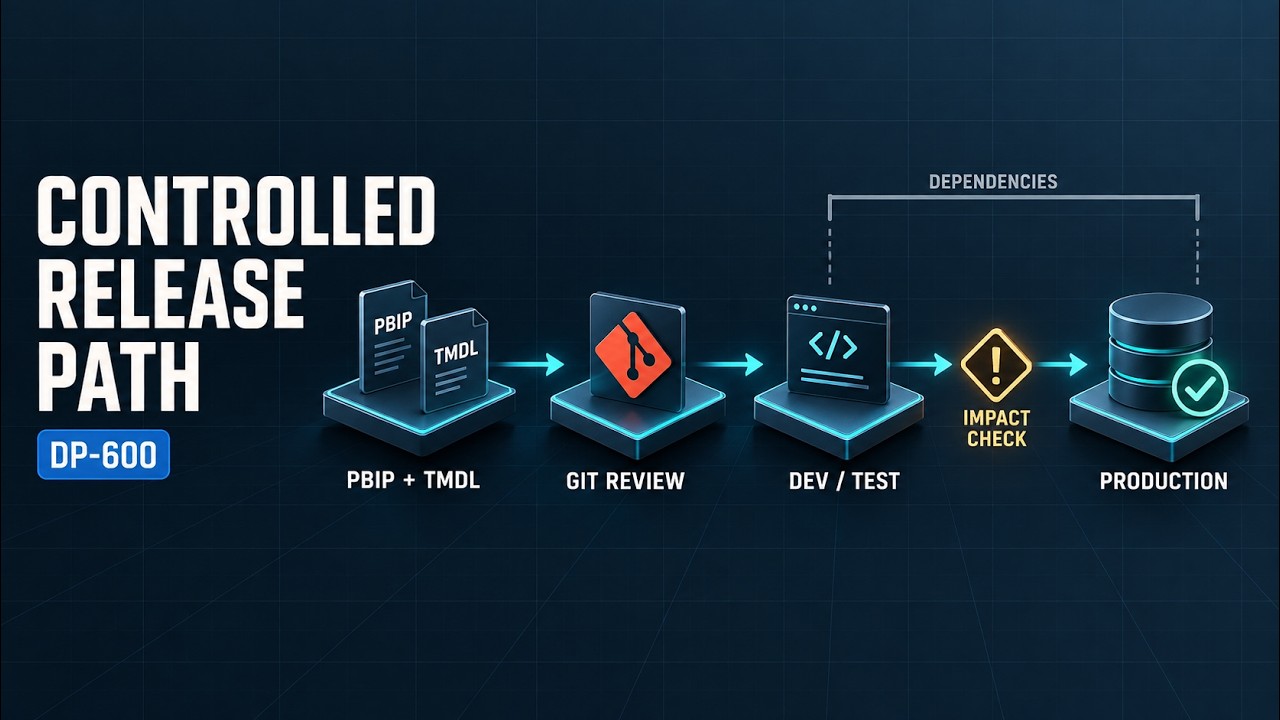 9:37
Study & Preparation
DP-600 Microsoft Fabric Git Integration and Deployment Pipelines Explained
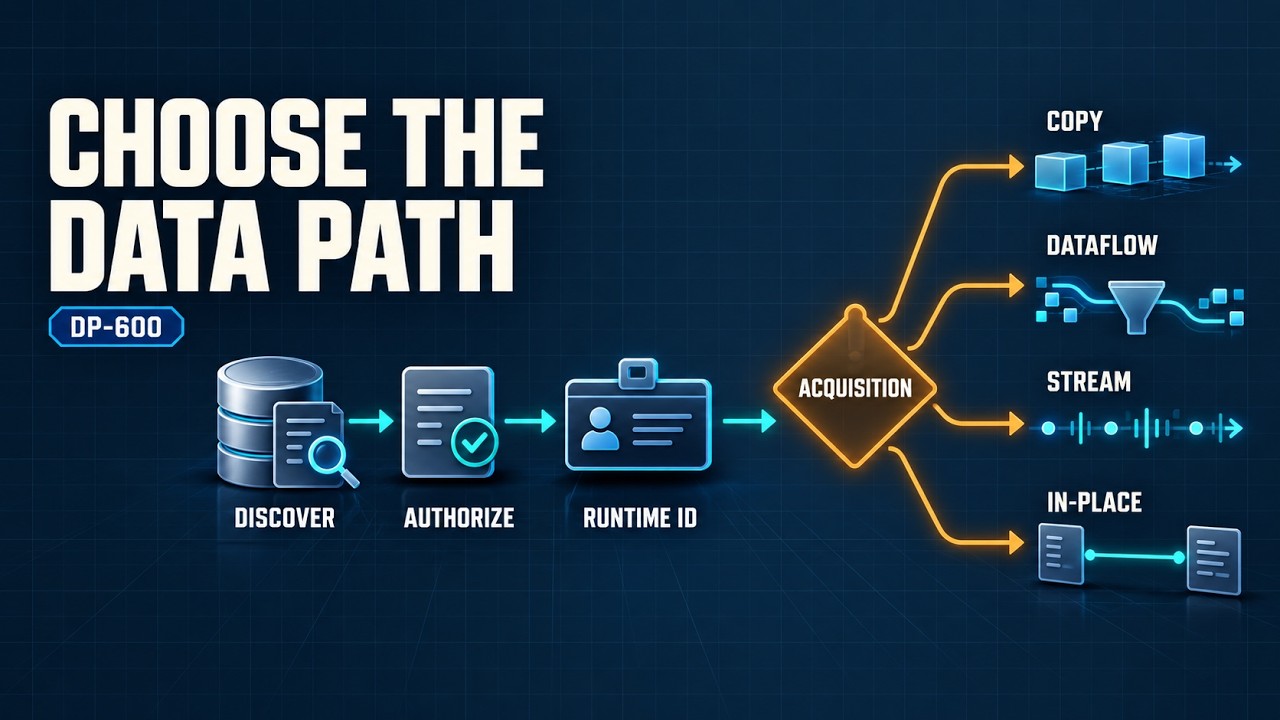 7:50
Study & Preparation
DP-600 Microsoft Fabric Data Ingestion Methods Explained
 7:09
Study & Preparation